3) 6 Periods Programming Mode Setting
4) Factory default periods programmable
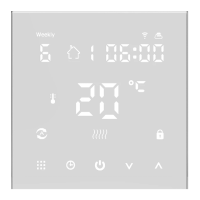
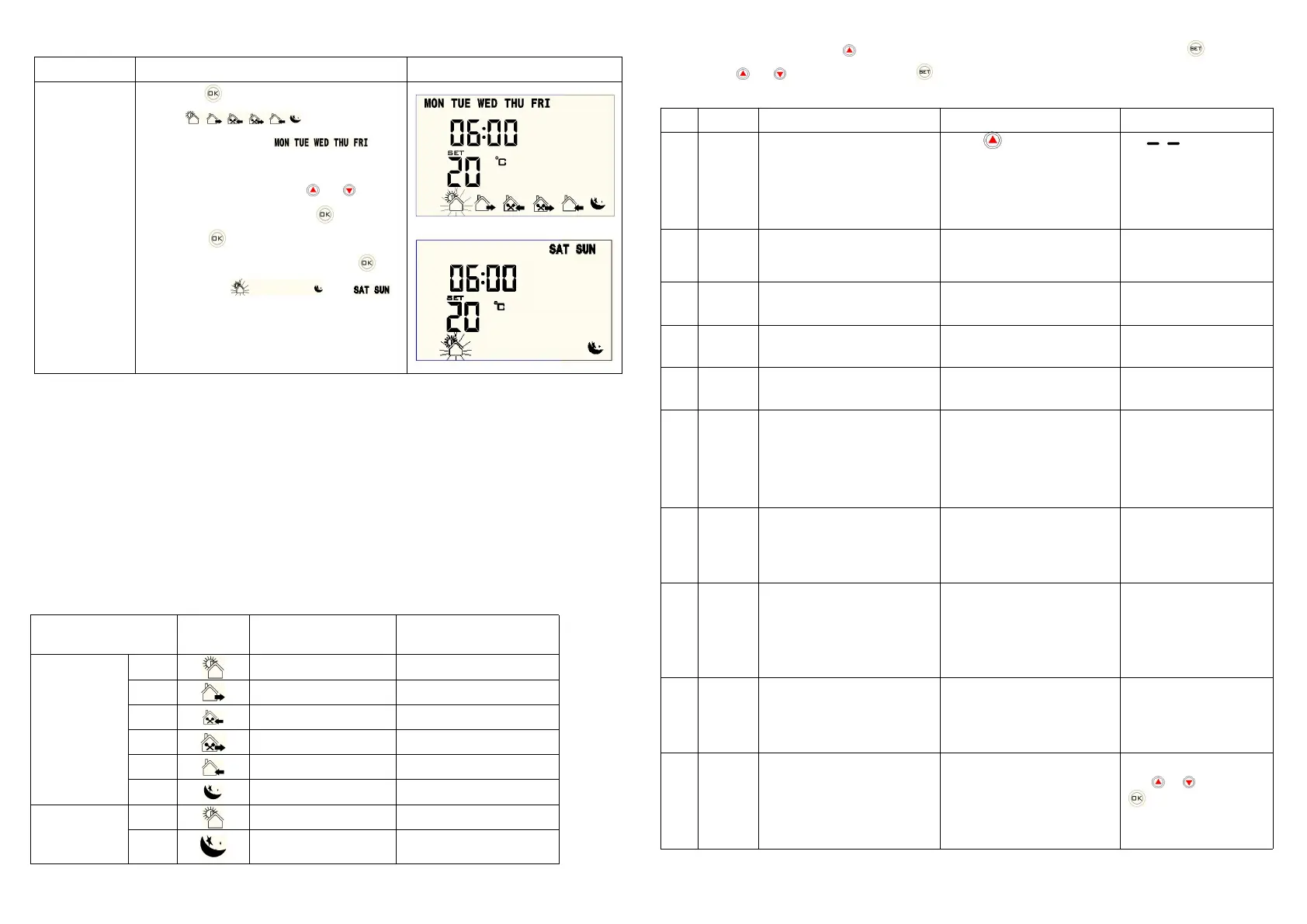
Long press“ ”,screen
displays (it means cycle
control),screen displays “ ” (it
means Monday to Friday periods).See picture at
right:first period flashing,press “ ” or “ ”to
adjust setting temperature,press “ ” to adjust
clock,press “ ”to next period setting,same like
this to finish 6 periods setting,then press “ ”,
screen displays “ ”and “ ”
(Saturday and Sunday),set it as per previous
method,it will save and quit after setting finished 5
seconds.
Note1.the usage of temporary manual mode:
When thermostat is in programming mode,such as current time is 16:00,thermostat will set corresponding room
temperature(factory setting is 15ºC) as per current period(factory setting afternoon going out period is
12:30-17:30),if current day you end work 1 hour earlier,(16:30 is 1 hour earlier than 17:30),you can press
increase/decrease button temporarily to modify temperature to the temperature you wanted(such as 20ºC),then
the thermostat will keep the room temperature in 20ºC until next period,no any operation,thermostat will run the
setting temperature (thermostat default 20ºC) automatically of afternoon entering room period(17:30-22:00) at
17:30.
7.Advanced Setting(Suggest To Operate By Professional People)
Under power on state,press “ ” for 3 seconds to enter advanced setting,then press“ ”to choose
option,press“ ” or “ ”to adjust value.To press“ ” to next option.It will save setting and quit after setting finished 5
seconds.
Windows open mode setting
Press to turn on, display
5℃(Trigger range of
temperature: 5-25℃,Running
time setting range: 5-60
minutes
“ ” means that
the windows open mode
is disable
Time dfault:15 minutes
Sensors Temperature Control
Return Difference
Setting Temperature Highest
Limit
Setting Temperature Lowest
Limit
Measuring Temperature
Calibration
±5ºC(Display room temperature)
00:Anti-freezing function
close
01:Anti-freezing function
open
00:Anti-freezing
function close
Power on/off state memory
after electricity cut
00:Thermostat off when elect
rify
01:Thermostat on/off with me
mory when electrify
00:Cooling Mode
01:Heating Mode
00:Enable Programming
Mode
01:Disable Programming
Mode
00:Enable Programming
Mode
88:it just display,no any
meaning
00:Return to factory setting
When it display "88", pr
ess or , then press
. When "00" appear,
it indicate that the therm
ostat is restored.


 To Previous Page
 Loading...