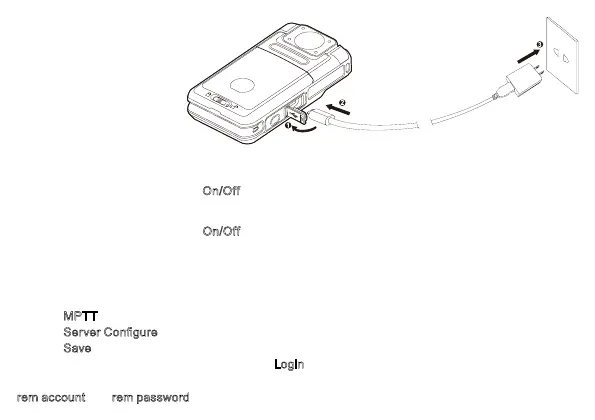
Basic Operations
Turning On/O the Product
Turning On the Product
In●power-o●mode,●long●press●the●
On/Off●key●for●three●seconds.
Turning O the Product
In●power-on●mode,●long●press●the●
On/Off●key●for●three●seconds.
Logging in to the SmartEye/P-PoC6000 Server
You●need●to●●●to●the●SmartEye/P-PoC6000●server●to●use●features●such●as●video●pollg●and●PoC●
talkg.
●
●
MPTT+P-PoC6000+SmartOne●Solution
1.● Tap●
MPTT
●to●enter●the●login●interface.
2.● Tap●
Server Configure
●to●setup●the●sever●information.
3.● Tap●
Save
●and●return●to●the●login●interface.●
4.● Enter●your●account●and●password,●and●tap●
Login
.
Obta●your●aount●and●password●from●the●aistrator●of●the●network●management●system.●Select●
rem account and●rem password●so●tt●you●can●●●directly●next●time.●



 To Next Page