EasyManua.ls Logo

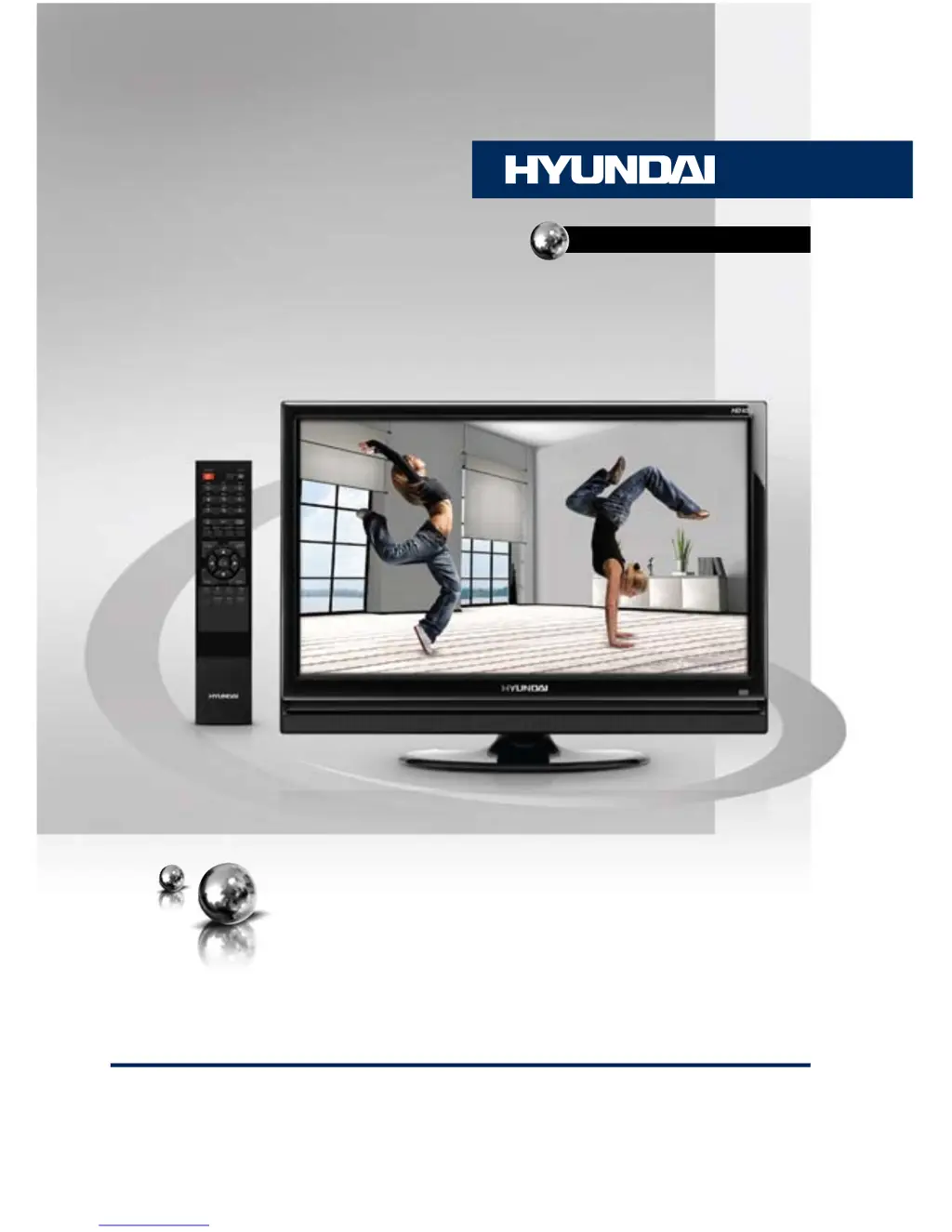
Hyundai H-LCD2617 - User Manual

Hyundai H-LCD2617
25 pages
Print Icon
To Next Page IconTo Next Page
Loading...
LCD TV
Руководство по эксплуатации Instruction manual
H-LCD2617
ТЕЛЕВИЗОР
ЦВЕТНОГО ИЗОБРАЖЕНИЯ
ЖИДКОКРИСТАЛЛИЧЕСКИЙ
(LCD)

Questions and Answers

  • K
    Kimberly Morrow PhDAug 11, 2025
    Why is there no sound coming from my Hyundai LCD TV?
    • A
      Ashley WilliamsAug 11, 2025
      The absence of sound may be due to a missing audio signal or an improperly connected signal cord. Ensure the audio signal cord is correctly connected and check the sound system settings to make sure they are properly configured.
  • C
    Courtney SandersAug 17, 2025
    Why do my Hyundai LCD TV's picture and sound have an abnormality?
    • R
      rgouldAug 18, 2025
      Picture and sound abnormalities can occur if the contrast and color settings are not properly adjusted, or if the color and sound systems are incorrectly configured. Adjust the contrast and color to appropriate levels. Also, ensure that the sound system is properly set up.
  • F
    fritzkellyAug 23, 2025
    What to do if my Hyundai LCD TV remote control (RC) does not work?
    • J
      Jacqueline SmithAug 23, 2025
      If the remote control isn't working, start by checking the batteries. Ensure they are installed with the correct positive and negative polarity, and that the battery lid is securely reattached. If the issue persists, try replacing the batteries with new ones.
  • K
    Kim SmithAug 29, 2025
    Why is my Hyundai LCD TV showing a blue background?
    • S
      Steven OlsenAug 29, 2025
      A blue background typically indicates that there is no video signal or that the signal cord is not properly connected. Ensure the signal cord is correctly and securely connected.
  • C
    connie99Sep 4, 2025
    What to do if the picture on my Hyundai LCD TV is spotted or snowy?
    • M
      Matthew TateSep 4, 2025
      If the picture appears spotted or snowy, it could be due to a low-grade signal source or a signal of lower quality. Try using a qualified signal cord to improve the signal quality.

Hyundai H-LCD2617 Specifications

General IconGeneral
Screen Size26 inches
Display Resolution1366 x 768 pixels
Aspect Ratio16:9
Response Time8 ms
Power Consumption120W
Input PortsHDMI, Component, Composite, VGA

Related product manuals