EasyManua.ls Logo

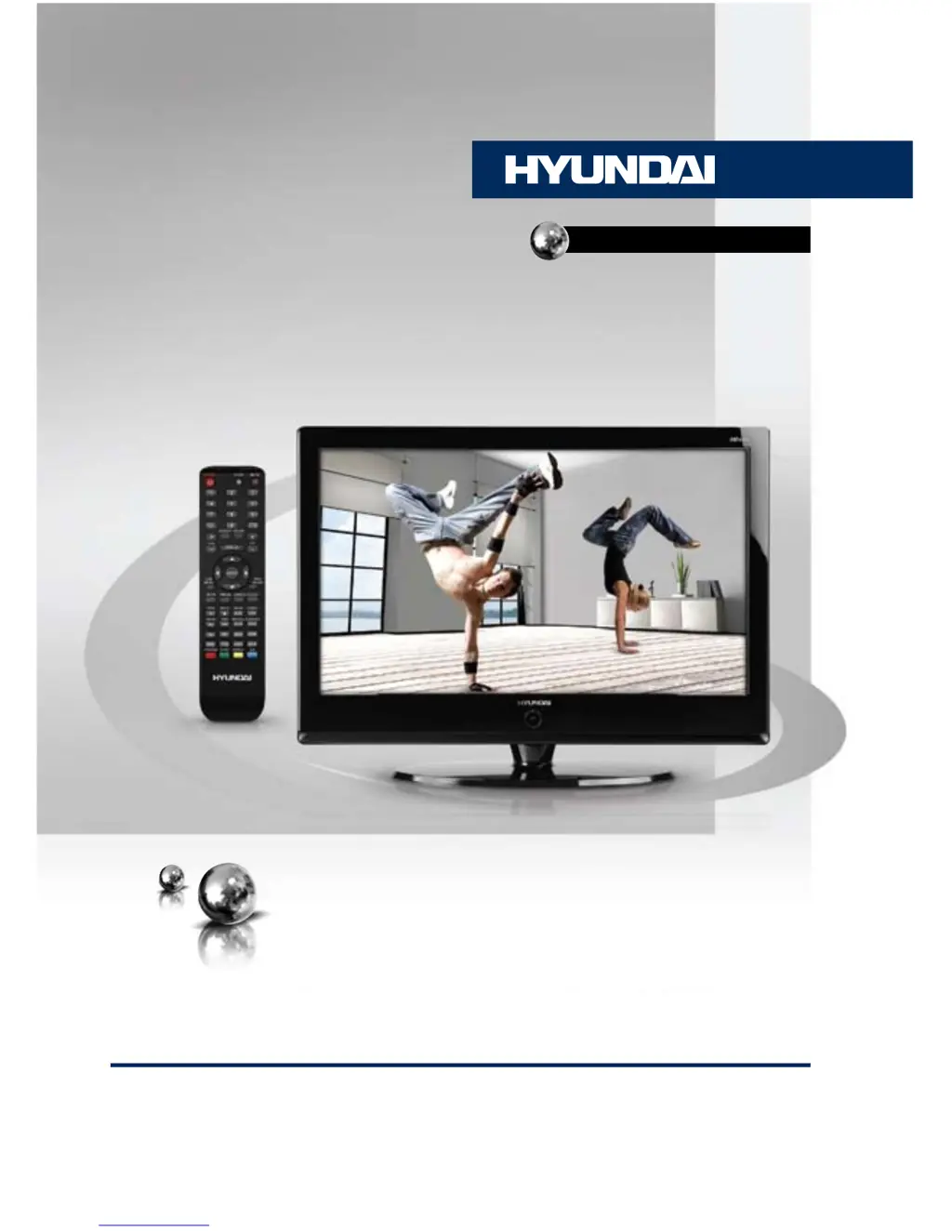
Hyundai H-LCDVD3200 - User Manual

Hyundai H-LCDVD3200
43 pages
Print Icon
To Next Page IconTo Next Page
Loading...
ТЕЛЕВИЗОР
ЦВЕТНОГО ИЗОБРАЖЕНИЯ
С ЖИДКОКРИСТАЛЛИЧЕСКИМ
ЭКРАНОМ И ВСТРОЕННЫМ
DVD-ПРОИГРЫВАТЕЛЕМ
LCD TV WITH BUILT-IN DVD
PLAYER
Руководство по эксплуатации Instruction manual
H-LCDVD3200

Table of Contents

Questions and Answers

Summary

Before You Start

Product Utilization and Disposal

Information on product usage and environmentally responsible disposal methods.

Important Safety Precautions

Essential safety warnings and precautions for operating the device safely.

Connection and Installation

Stand Installation

Step-by-step instructions for installing the TV stand using screws.

Wall Mounting

Guidelines for safely mounting the TV on a wall using a bracket.

External Connections

Guides for connecting antennas, audio/video sources, and PCs.

Operation

Control Elements

Identifies buttons on the unit and connection ports on the back panel.

Remote Controller

Explains remote functions, buttons, and battery replacement.

General TV Operations

Covers basic TV operations like power, volume, channel, and input selection.

TV Settings and Tuning

Guides on picture, sound, tuning, time, function, and system settings.

DVD Player Operations

Comprehensive guide to playing discs, playback controls, and disc-specific features.

System and Setup Menus

Guides on system configuration, DVD settings, and language/audio options.

General Information

Troubleshooting Guide

Provides simple measures to resolve common issues like no picture or sound.

Accessories and Specifications

Lists included accessories and details product specifications.

Hyundai H-LCDVD3200 Specifications

General IconGeneral
Screen Size32 inches
DVD PlayerYes
HDMI Ports1
USB PortYes
Audio OutputStereo
Aspect Ratio16:9
Display TypeLCD
Built-in SpeakersYes
Power Consumption65W
Resolution1366 x 768 pixels

Related product manuals