Need help?
Do you have a question about the Hyundai H-PS1206 and is the answer not in the manual?
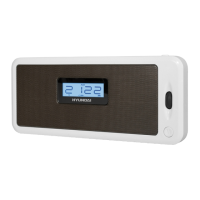
Identifies and describes the controls and display elements on the front of the device.
Details the ports and features located on the back of the portable audio system.
Explains the unit's operation via rechargeable battery or USB cable.
Provides step-by-step instructions for installing the lithium-ion battery.
Guide on how to set the device's internal clock time.
Instructions for using the AUX input to connect external devices.
How to use the device as a card reader via mini-USB connection.
Steps for tuning into radio stations and controlling playback.
Details on connecting and managing USB/SD devices for playback.
Instructions for configuring the alarm, including time and sound source.
 General
| Type | Stereo system |
|---|---|
| Radio | Yes |
| Supported radio bands | FM |
| Preset stations quantity | 30 |
| USB port | Yes |
| Headphone outputs | 1 |
| Equalizer | Yes |
| Remote control | Yes |
| Playable media | CD |
| Supported formats | MP3 |
| Headphone connectivity | 3.5mm jack |
| Power source | AC |

 To Next Page