Need help?
Do you have a question about the Hyundai WS 2202 and is the answer not in the manual?
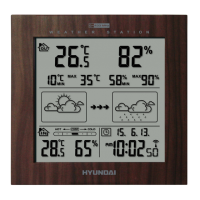
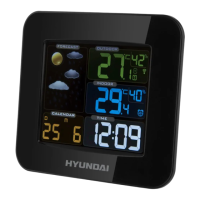
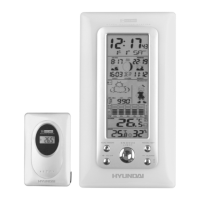
Provides animated weather icons for sunny, cloudy, rainy, and snowy conditions.
Features radio-controlled time with manual setting, dual time, 12/24hr format, and calendar.
Measures indoor/outdoor temperature in °C/°F with max/min memory.
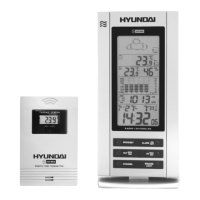
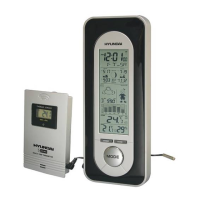
Includes a low-battery indicator, wall/table stand, and 30m transmission range.
Explains how to view and manage temperature and humidity data from sensors.
Information on how the clock synchronizes with radio signals for accurate time.
Procedure for manually setting the time, date, and other calendar functions.
 General
| Indoor temperature | Yes |
|---|---|
| Outdoor temperature | Yes |
| Temperature trend indicator | Yes |
| Indoor humidity | Yes |
| Outdoor humidity | Yes |
| Humidity trend indicator | Yes |
| Weather forecast | Yes |
| Barometric pressure | Yes |
| Moon phase | Yes |
| Radio controlled clock (RCC) | Yes |
| Alarm | Yes |
| Snooze function | Yes |
| Display | LCD |
| Type | Weather Station |
| Humidity Range | 20% to 95% |
| Power Source | Battery |

 To Next Page