INTERNET SET UP
You may need to set up or reconfigure your Internet connection
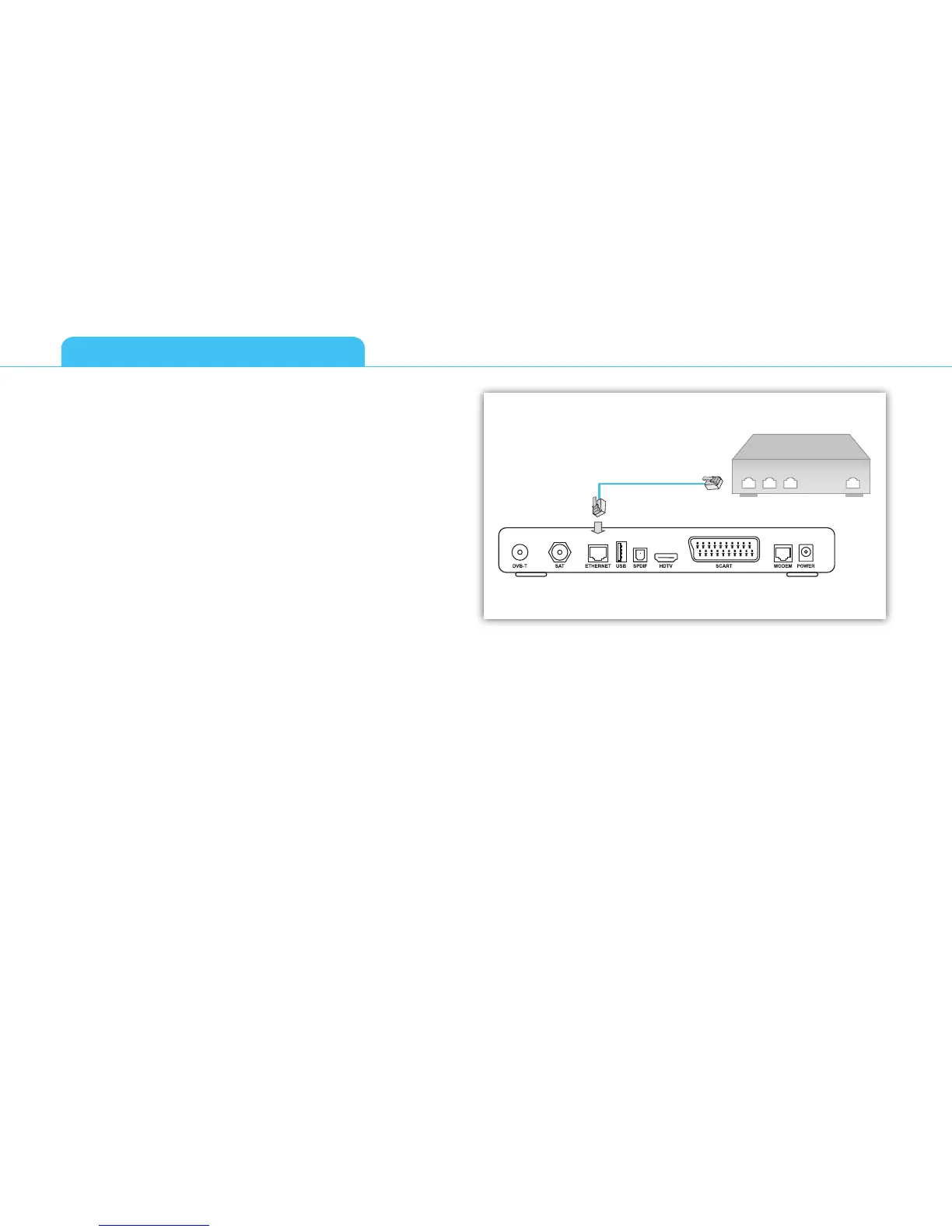
for interactive services to work properly. First connect an Ethernet
cable to the Ethernet connector on the back of your receiver, then
set up the connection by going to the Network Configuration
window (Menu then Installation then Network Configuration).
This gives you two options for Internet configuration:
■ Automatic Configuration - try this option first, as in most
cases your Internet Service should be able to support auto-
matic discovery of your new device.
■ Manual Configuration allows you to enter data manually if
automatic configuration is not possible. You can contact your
Internet Service Provider for help.
GETTING STARTED
8



 To Next Page