Assembled Setup
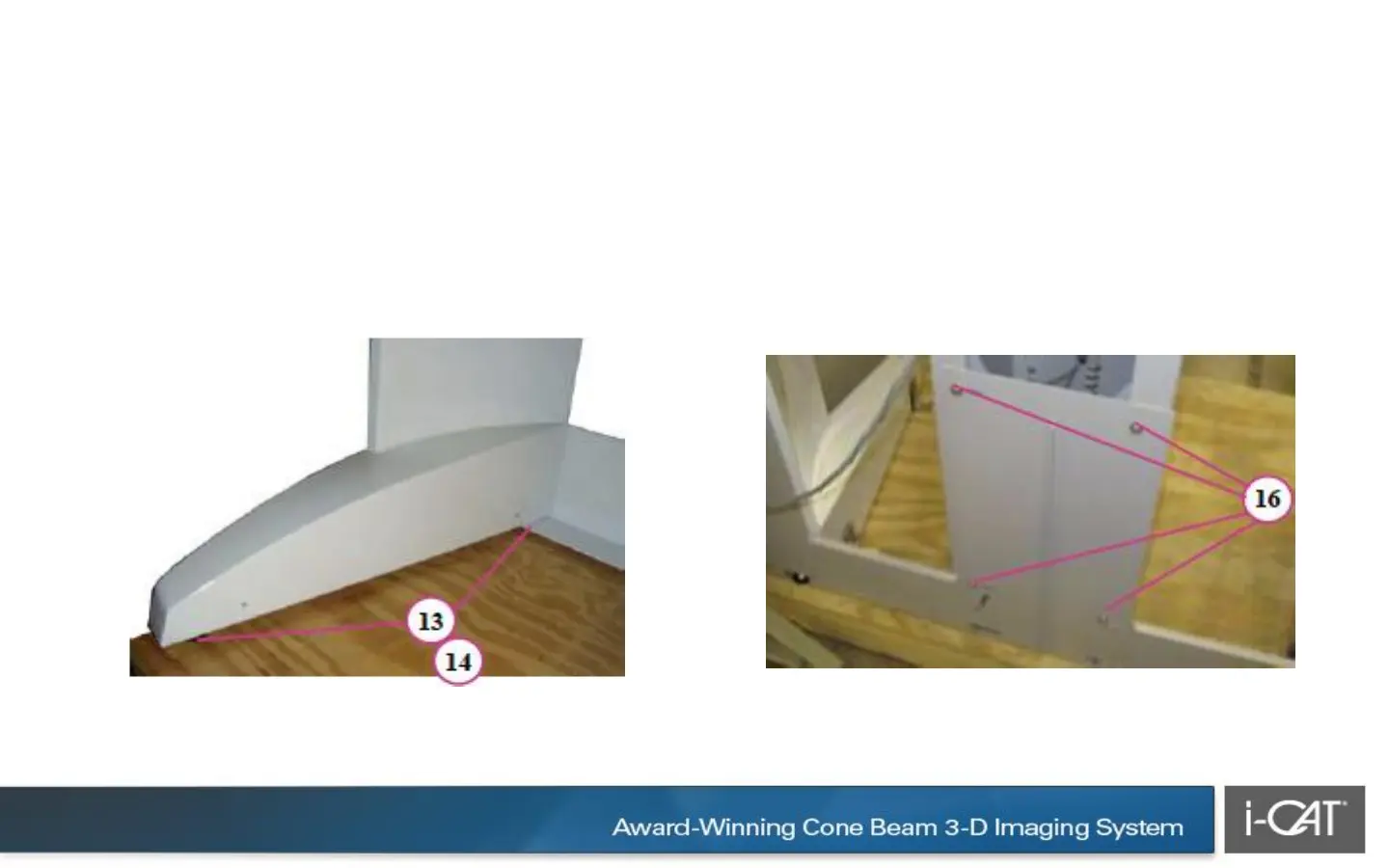
13. With the help of an assistant, tilt the
scanner to install the glides under the four
feet (corners of scanner).
14. Slide the scanner into place and remove
the glides.
15. Position patient chair on gantry base.
Ensure base frame centering screw is seated
within patient chair centering block.
16. Loosely secure patient chair to gantry (4
bolts). Do not tighten.
CAUTION Care must be taken when sliding the scanner into place. To prevent the
scanner from scratching the floor surface, place the four glides under the scanner feet.



 To Next Page