User’s Manual
ERROR MESSAGE & POSSIBLE SOLUTIONS
CABLE NOT CONNECTED :
1. Check that the signal-cable is properly connected, If the connector is loose, tighten the
connector’s screws.
2. Check the signal-cable’s connection pins for damage.
INPUT NOT SUPPORT :
Your computer has been set to unsuitable display mode, set the computer to display mode given
in the following table.
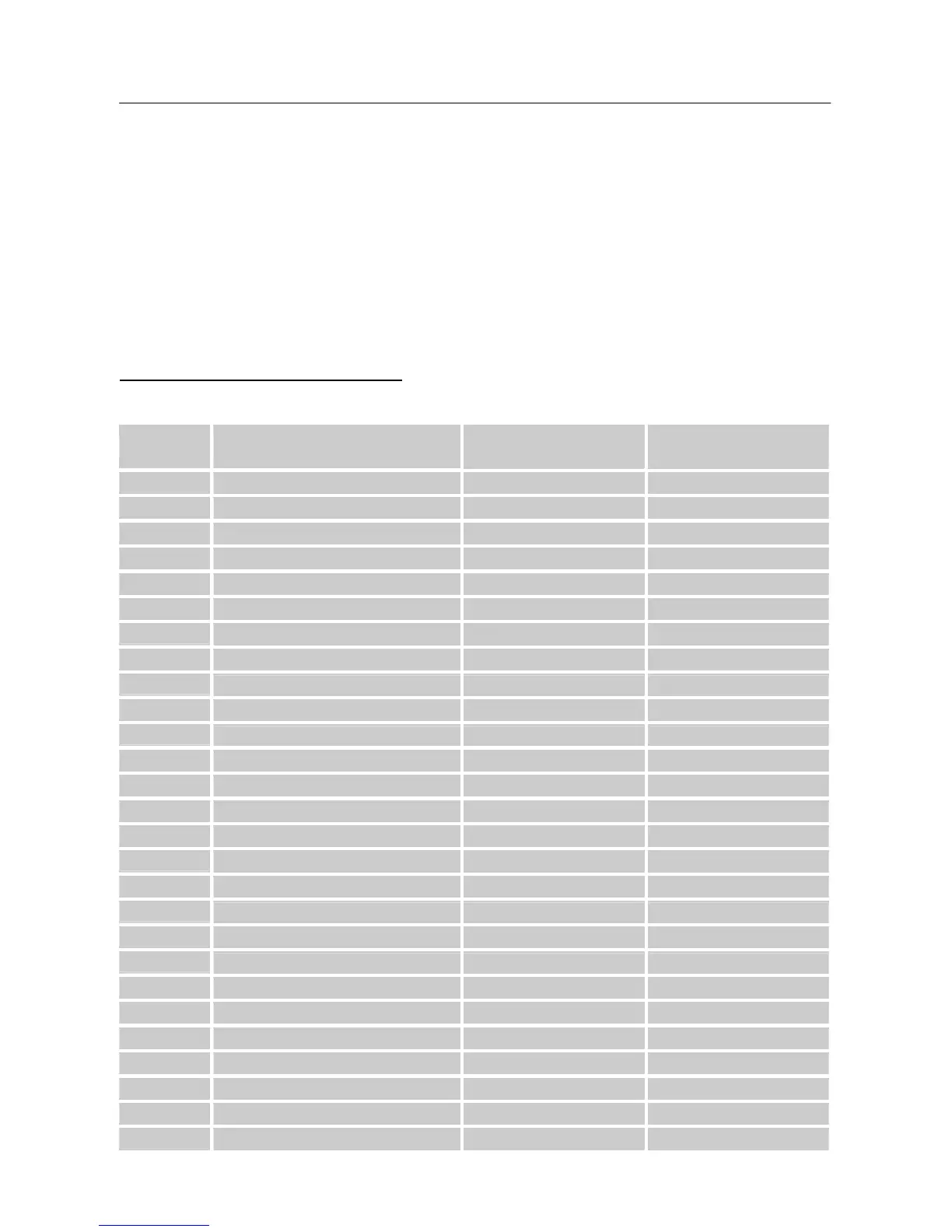
FACTORY PRESET TIMING TABLE:
(Analog / Digital mode)
MODE
RESOLUTION
HORIZONTAL
FREQUENCY (KHz)
VERTICAL
FREQUENCY (Hz)
1
640×350 @70Hz 31.469 70.087
2
640×400 @56Hz 24.827 56.424
3
640×400 @70Hz 31.469 70.087
4
640×480 @60Hz 31.469 59.940
5
640×480 @67Hz 35.000 66.667
6
640×480 @70Hz 36.052 70.004
7
640×480 @72Hz 37.861 72.809
8
640×480 @75Hz 37.500 75.000
9
720×400 @70Hz 31.469 70.087
10
720x480@60Hz 31.469 59.940
11
800×600 @56Hz 35.156 56.250
12
800×600 @60Hz 37.879 60.317
13
800×600 @72Hz 48.077 72.188
14
800×600 @75Hz 46.875 75.000
15
832×624 @74.6Hz 49.725 74.500
16
1024×768 @60Hz 48.363 60.004
17
1024×768 @66Hz 53.964 66.132
18
1024×768 @70Hz 56.476 70.069
19
1024×768 @75Hz 60.023 75.029
20
1024×768 @75Hz 60.150 74.720
21
1152×864 @75Hz 67.500 75.000
22
1152×870 @75Hz 68.681 75.062
23
1152×900 @66Hz 61.846 66.004
24
1280×720 @60Hz 45.000 60.000
25
1280×768 @60Hz 47.776 59.870
26
1280×768 @75Hz 60.289 74.893
27
1280×960 @60Hz 60.000 60.000
19



 To Next Page