EN 7
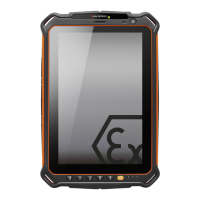
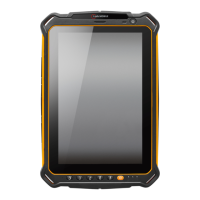
1 SOS KEY: A long press of the SOS key sends an emergency call to a pre-saved emer-
gency number (only in connection with a Lone Worker Protection app).
2 SD CARD SLOT: Use for microSD card.
3 SIM CARD SLOT: Use for micro-SIM card.
4 FRONT CAMERA
5 LOUDNESS CONTROL: Volume up/Volume down.
6 STATUS LED: Display for battery and charging status.
7 POWER KEY: A long press switches the device on/o. A short press switches the
standby mode on/o.
8 FUNCTION KEY M1: Optional function (can be assigned via apps used).
9 FUNCTION KEY M2: Optional function (can be assigned via apps used).
10 BACK KEY: Go to the previous screen.
11 HOME KEY: Switch to the main screen.
12 CURRENT APPLICATION: Shows all open applications.
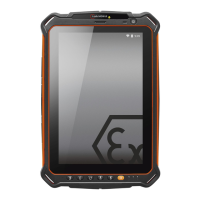
13 USB INTERFACE:
Connection for the i.safe PROTECTOR 2.0 Type C USB Cable or for
connection to other devices. Also see sections “Charging” and “Connecting approved
accessories”.
14 EARPHONE JACK
15 MAGNETIC CHARGER PORT: Connection for the i.safe PROTECTOR 3.0 Magnetic
Charger Cable.
Also see section
“Charging”.
16 DOCKING STATION: Connect to external docking station.


 To Next Page