Need help?
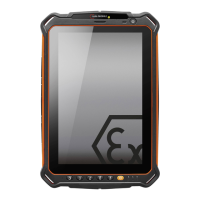
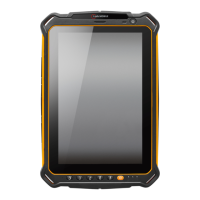
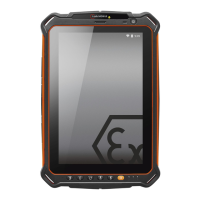
Do you have a question about the i.safe MOBILE IS910.1 and is the answer not in the manual?
Contains information and safety regulations for safe operation of the IS910.1 device.
Company reserves the right to make changes to the document or withdraw it.
Details the device suitability for potentially explosive atmospheres per directives.
Lists ATEX and IECEx markings and certificates for the device.
Specifies the operational temperature limits for the device.
Provides the manufacturer's name and address details.
States the device complies with EU directives and standards.
Procedure for handling compromised device safety and reporting errors.
Safety regulations for use in ex-hazardous areas and general precautions.
Advises on screen care, temperature, charging, and cleaning.
Information on periodic inspections and contacting service for repairs.
Specifies conditions and temperature range for battery charging.
Guide for installing a micro SIM card in the device.
Warnings and instructions for changing SIM and microSD cards.
Details functions of SOS key, slots, camera, and volume keys.
Describes power, function, back, home keys, USB, earphone, and charging ports.
Information on setting a password in the device settings.
Steps for factory reset and activating OEM mode, including data deletion.
Guidance on proper disposal of electronic products and batteries.
Formal declaration of product compliance with EU directives and standards.
Provides contact details for further questions and service inquiries.
 General
| Brand | i.safe MOBILE |
|---|---|
| Model | IS910.1 |
| Category | Tablet |
| Language | English |

 To Next Page