EasyManua.ls Logo

i-SENS VetMate - User Manual

i-SENS VetMate
52 pages
Print Icon
To Next Page IconTo Next Page
Loading...
PGUAA-0000064 REV0 2019/10
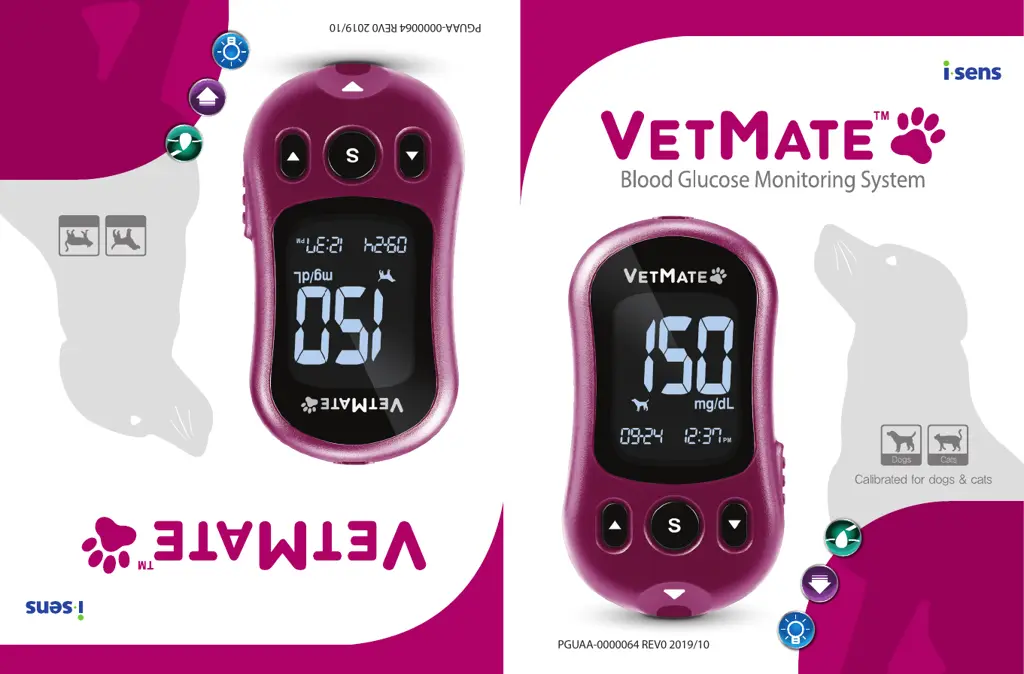
User's Manual
Pantalla LCD con
retroiluminación automática
Eyector de tiras
Manual de usuario
Calibrado para perros y gatos
GatosPerros
GDH-FAD
GDH-FAD
Strip Ejector
Auto Backlighted LCD
El Sistema de Monitoreo de Glucosa en Sangre

Table of Contents

Other manuals for i-SENS VetMate

Questions and Answers

  • N
    Natasha WashingtonJul 25, 2025
    What to do if the i-SENS Pet Care Product test result does not match my expectation?
    • D
      David GatesJul 25, 2025
      If the test result from your i-SENS Pet Care Product doesn't align with what you expected, try repeating the test using a new test strip. Also, verify the expiration or discard date of the test strip to ensure it's still valid. You may also want to perform a control solution test.
  • K
    Kristina MontgomeryAug 4, 2025
    Why is the display blank on my i-SENS VetMate even after inserting a test strip?
    • M
      Melody DavisAug 4, 2025
      If your i-SENS Pet Care Product display is blank even after inserting a test strip, make sure the test strip is inserted correctly with the contact bars facing upwards and that it's fully inserted into the test port. Also, check that the batteries are inserted correctly, with the + side facing upwards. If the issue persists, try replacing the batteries.
  • M
    Michael SimpsonAug 14, 2025
    What to do if the i-SENS Pet Care Product test does not start even after applying the blood sample on the strip?
    • J
      Janet AtkinsonAug 14, 2025
      If the test on your i-SENS Pet Care Product doesn't start even after you've applied the blood sample to the strip, ensure that the confirmation window is completely filled. If it still doesn't work, repeat the test using a new test strip.

Summary

Important Information: Read This First!

Intended Use

Specifies the intended use of the VetMate Blood Glucose Monitoring System for pets.

Specifications

Replacing the Batteries

Caring for the System

VetMate Blood Glucose Test Strip

VetMate Blood Glucose Meter

VetMate Blood Glucose Meter Display

Setting Up the System

Adjusting the Date and Time

Instructions for setting the system's date and time parameters.

Setting VET Mode (Animal Mode)

Turning on the Hypoglycemia (HYPo) Indicator

Setting the Test Result Reset

Checking the System

Control Solution Testing

Procedure for performing a control solution test to verify meter and strip functionality.

Using the Lancing Device

Preparing the Lancing Device

Preparing the Meter and Test Strip

Applying Blood Sample

Target Blood Glucose Ranges

Setting the Alarm Function

Understanding Error Messages

General Troubleshooting

Performance Characteristics

i-SENS VetMate Specifications

General IconGeneral
Product Namei-SENS VetMate
CategoryPet Care Product
Test Time5 seconds
Operating Temperature10-40°C
Operating Humidity10-90% RH
Intended UseVeterinary blood glucose monitoring
Sample TypeWhole blood
Memory500 tests results