EasyManua.ls Logo

IAdea XMP-320 - User Manual

IAdea XMP-320
4 pages
Print Icon
To Next Page IconTo Next Page
Loading...
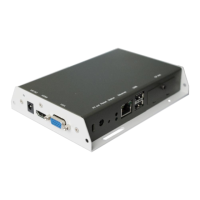
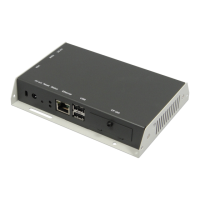
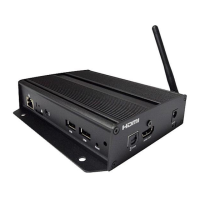
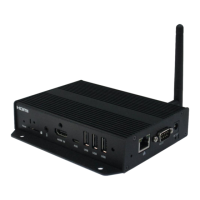
XMP-320/330 Media Player
This printed quick guide provides a quick walkthrough of the set up process.
For complete documentation, please visit www.digisignage.com
Box Contents
Mounting and Installation
The player can be attached to mounting posts on
the back of screens or inside cabinetry with the
built in VESA MIS-D100 (100mmx100mm)
compatible mounting flange
(For XMP-330 only)
ATTACH the wireless
antenna as shown.
Screw antenna
clockwise onto the post

Media Player Unit
AC Power Adapter
12V DC output
Standard 3.5 mm to
RCA AV Cable
Ethernet Cable
Quick Start Guide
Wi-Fi Antenna
(XMP-330 only)
Quick Start Guide
(this guide)
A USB keyboard is required to change system settings.
CF card cover/remover
(pre-installed on unit)
Question and Answer IconNeed help?

Do you have a question about the IAdea XMP-320 and is the answer not in the manual?

IAdea XMP-320 Specifications

General IconGeneral
BrandIAdea
ModelXMP-320
CategoryMedia Player
LanguageEnglish

Related product manuals