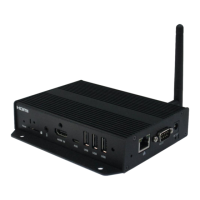
IAD-DGS-X32-10EP Revision 1.1
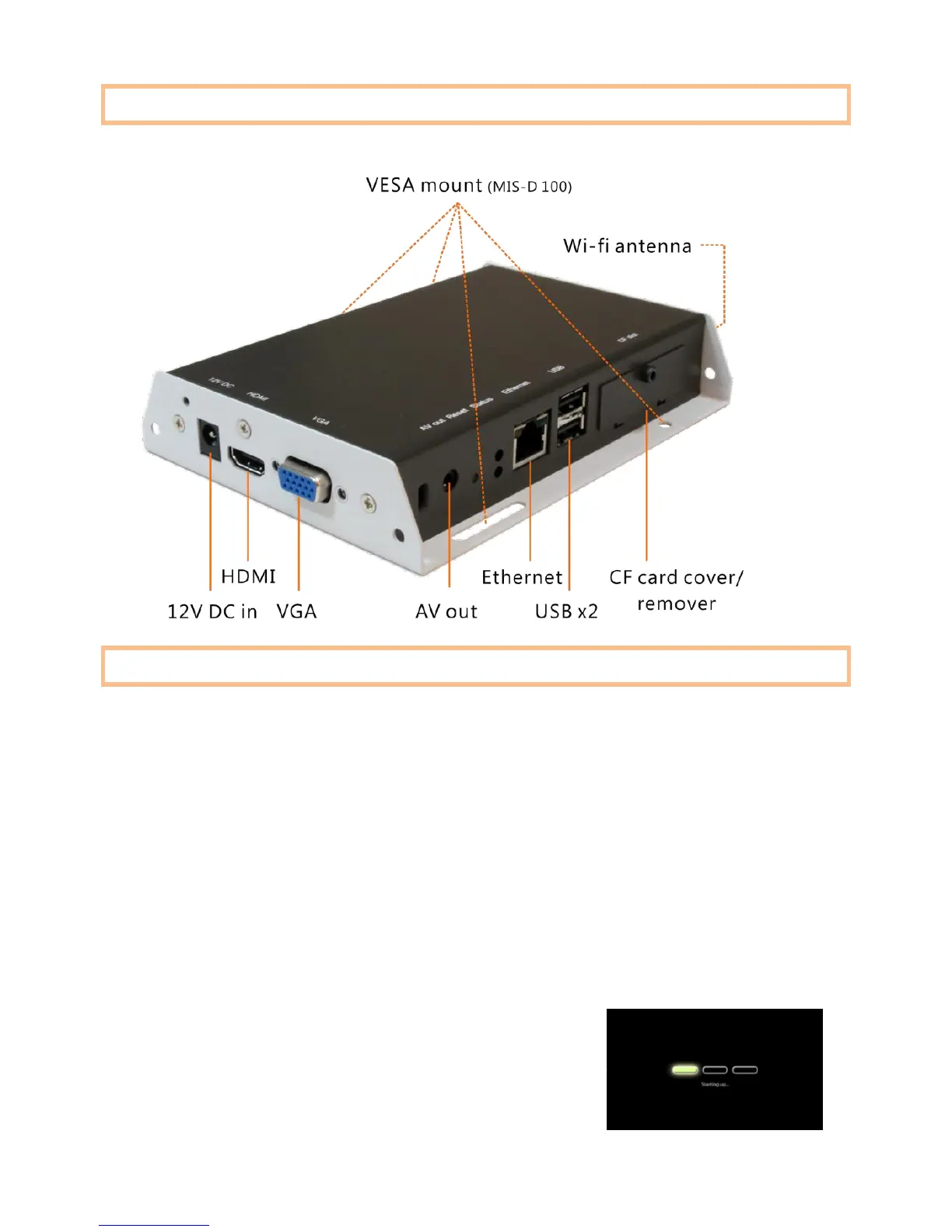
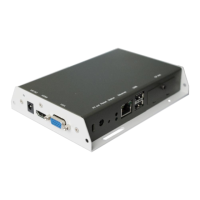
Port connections
System setup
1 ATTACH a video cable (either VGA or HDMI) to your monitor.
→ When using VGA, your monitor must support XGA (1024x768) resolution
or greater. Connect audio using the included AV cable.
→ When using HDMI, audio and video are sent over a single HDMI cable.
2 ATTACH the AC power adapter.
→ Immediately, the green Status LED on the main unit lights up
3 SET your display to the correct input mode
(VGA/HDMI)
→ You should see the player boot up screen


 To Next Page