STEP 2: Login to your iBall router configuration page
Now, fire up any browser on your PC and type this into its address bar: 192.168.1.1
You might wonder what was that? If I put it simply, this is your iBall router login IP
address and whenever you need to make any changes to your router settings, you have
to login with this IP.
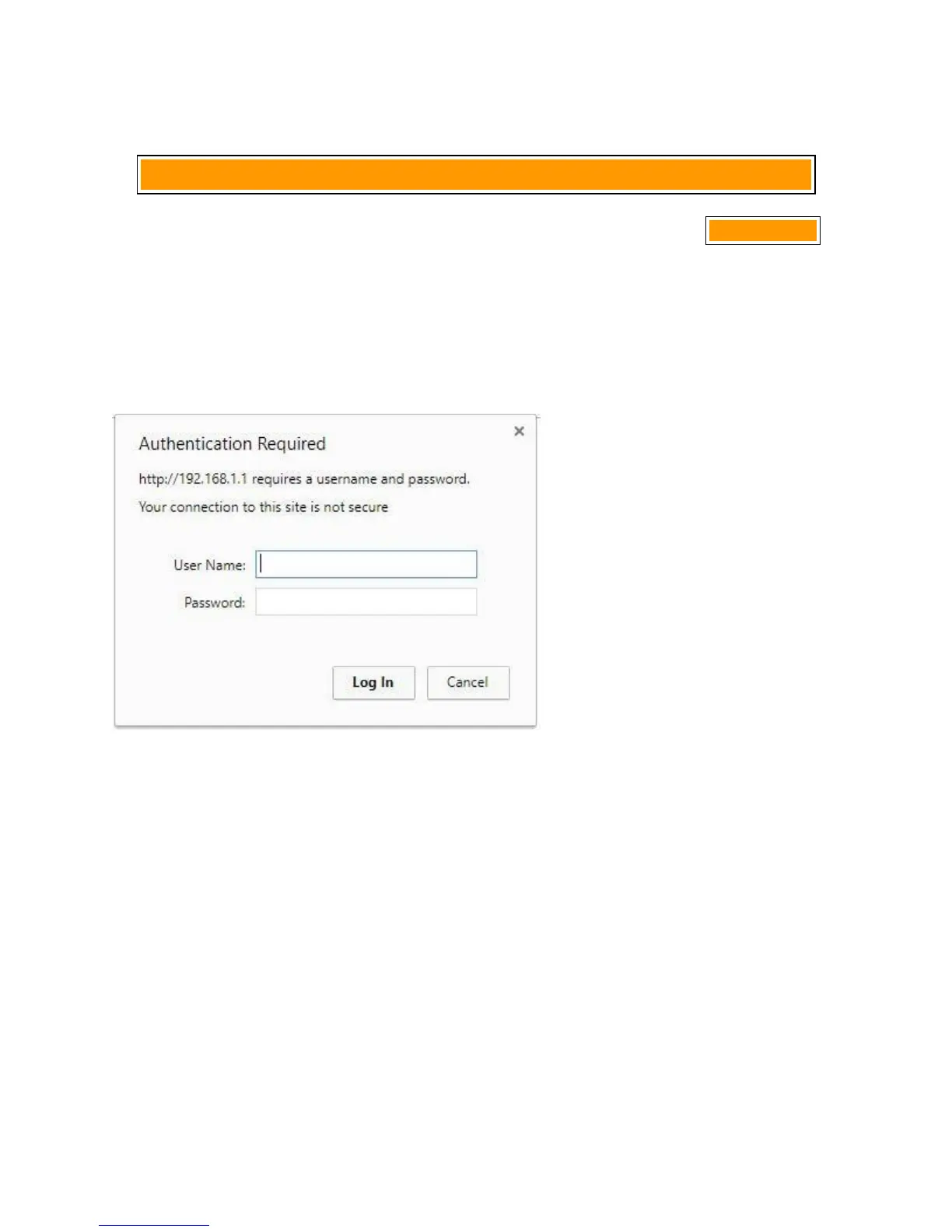
Now, once you hit enter after putting that IP, a screen will popped up asking you to put
a username and password. Like this:
Put username as admin and password also admin
If you are not able to login to your modem, then you need to probably Reset the modem
from its back panel.
After putting username and password, a status page will appear like this which is also
your iBall router login page:


 To Next Page