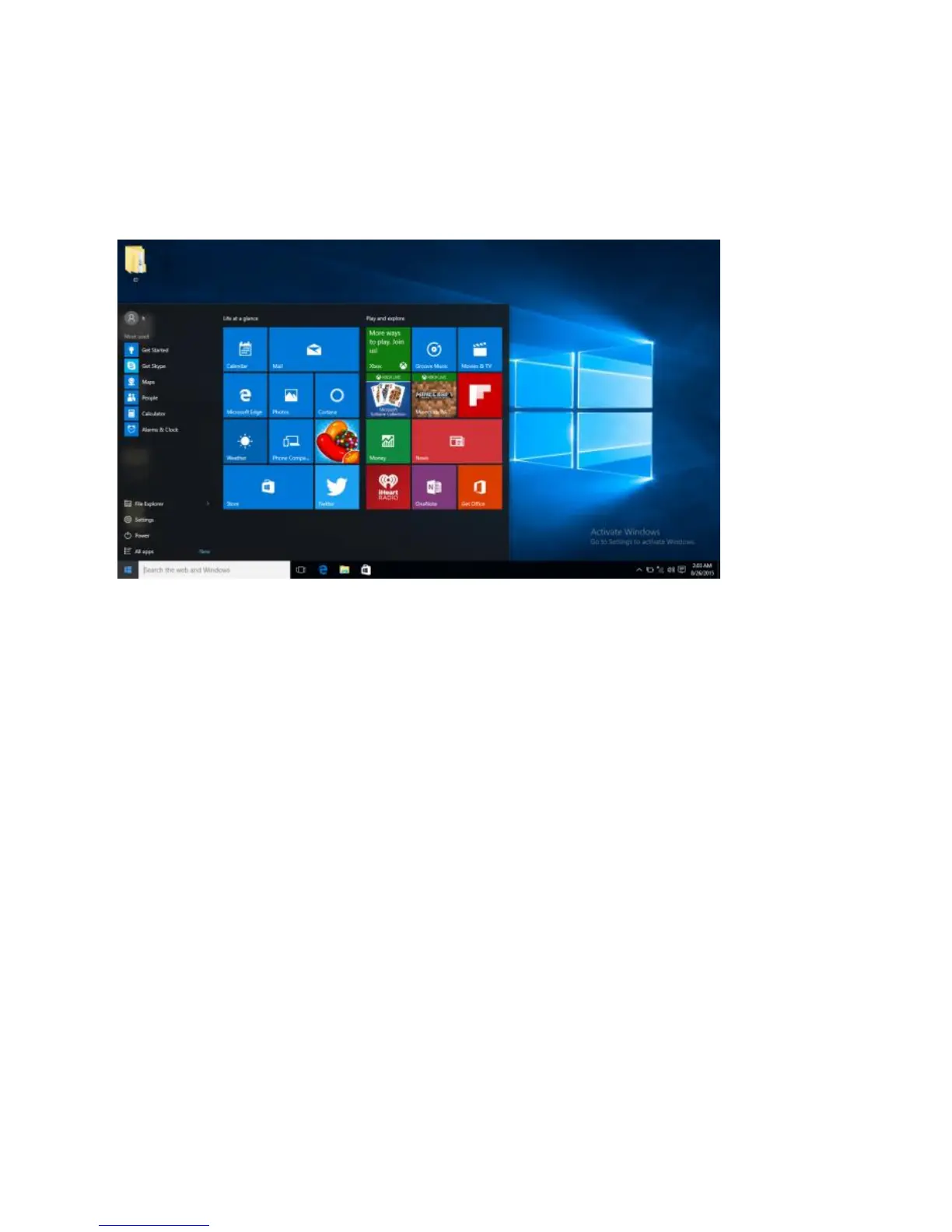
pictures and music library. When you install more Apps, you can add tiles to the
Start Screen so you can open them easily.
Please note that some Microsoft® Apps may require you to create a Microsoft®
ID / Account. Other services or Apps may need their own user credentials.
Introduction to App Screen
Besides the applications already fixed on the App Screen, you can customize
the screen by adding Tiles for other applications installed on your CompBook.
To add more applications to the Start Screen, see the steps in the figure below,
1) Click the properties icon
2) Press and hold the App you wish to add
3) Select Pin to start from the sub menu which appears


 To Next Page