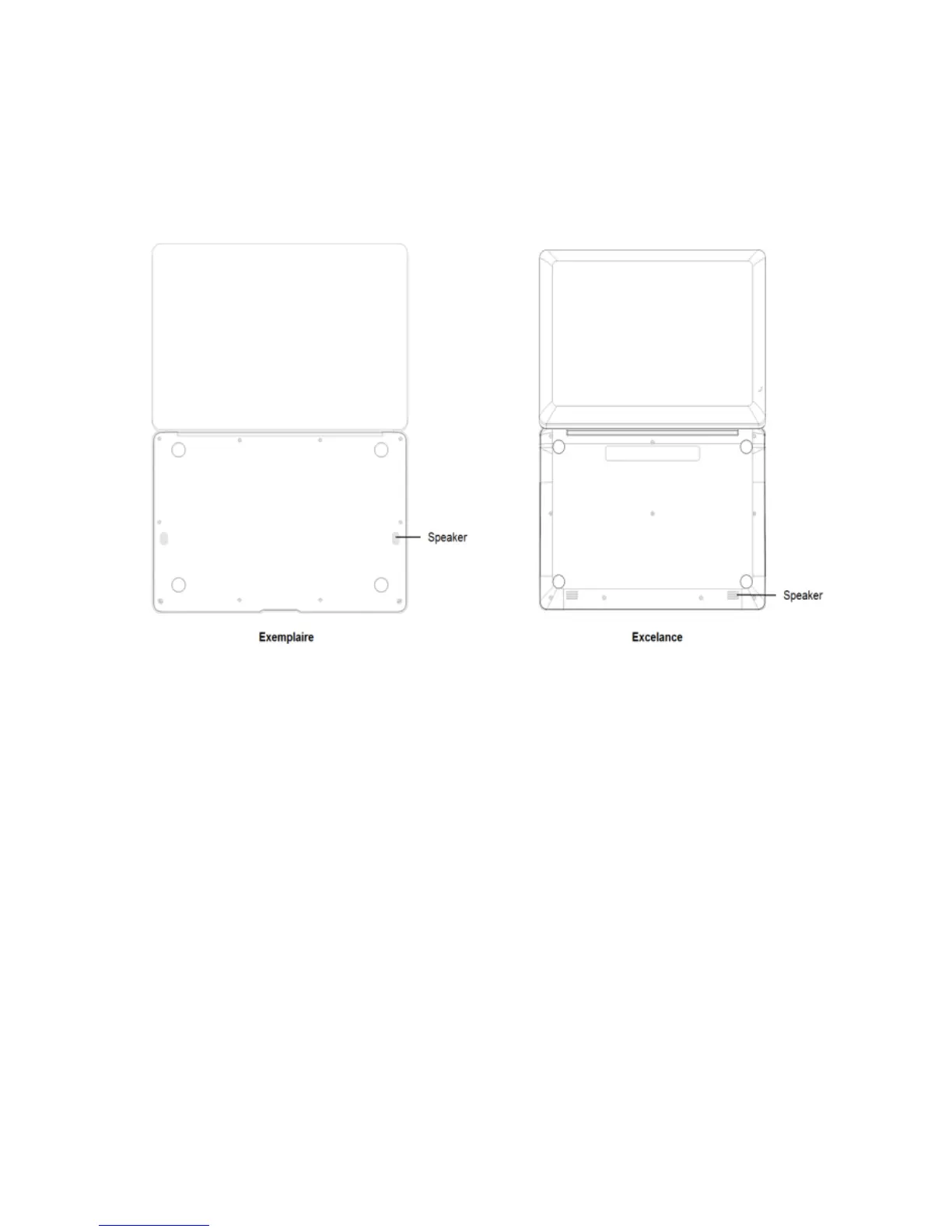
Bottom Side View
1. Speaker: Dual Speaker with high quality sound allow you to listen
music, watch video, play games, and more clearly.
Introduction to Desktop
When you turn on your CompBook for the first time you will be asked for some
basic details to get you started.
Once you have completed the introduction, you’ll see the Windows 10 Start
Screen (shown below). The Start Screen is made up of Tiles for all your
software, including pre‐installed Apps like email, news, etc. as well as your

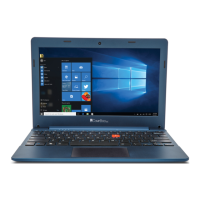

 To Next Page