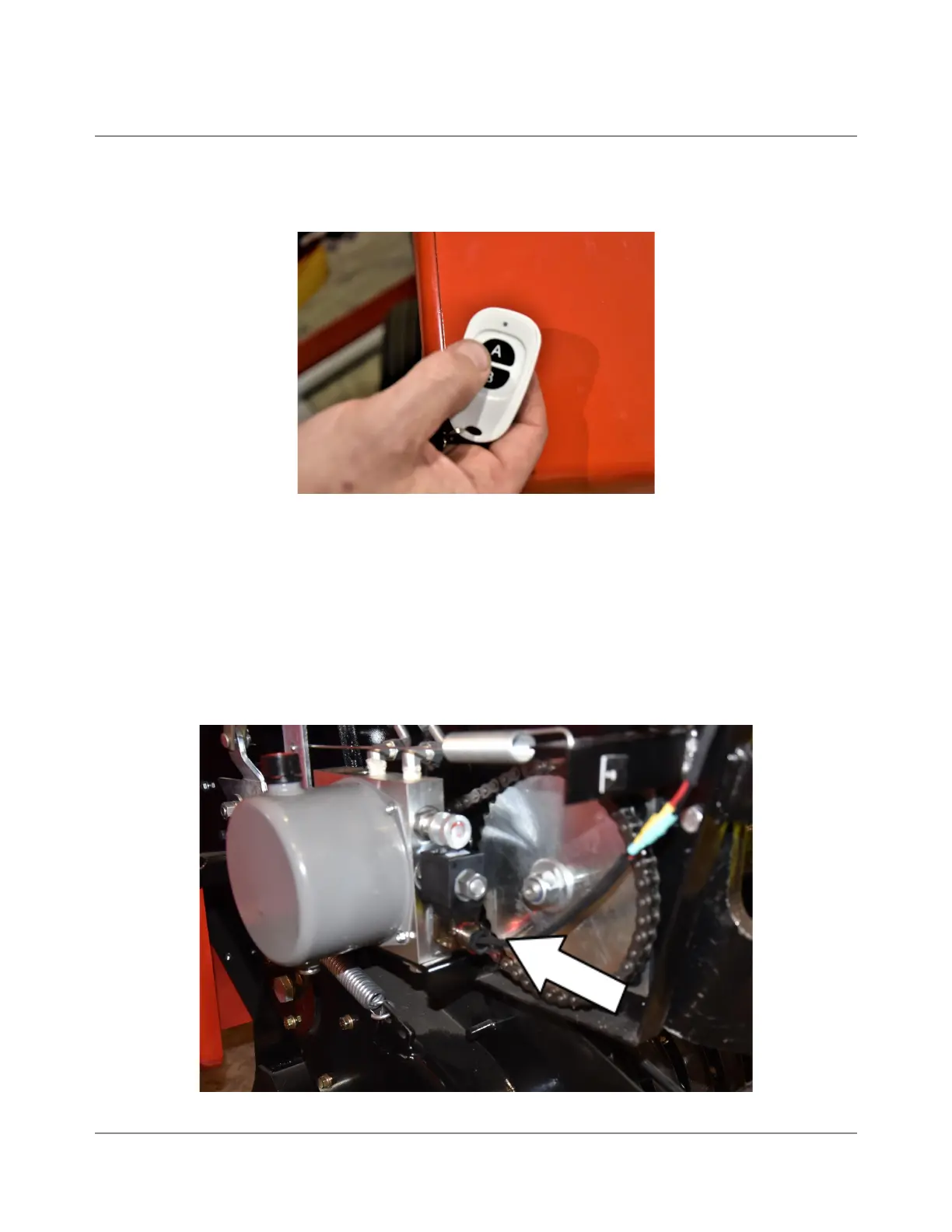
● Locate the wireless remote transmitter (Fig. 4) located inside the Pelican Ruck R40
Case next to the battery on/off switch and under the 90 degree power terminal.
Fig 4.
● With everything plugged in and the battery in the on position, test your system by
pressing the A button on the remote transmitter. You should see a red light on the
remote transmitter light up when you press the A button. If you do not see a light
turn on, or if it is dim, you will need to change the remote’s battery. It is a CR2032
type battery and it only takes one. When the A button is pressed, check for a lit red
LED light on the relay (Fig. 5). The light should stay on after the A button is
pressed. Press the A button again and the red LED on the relay should turn off.
Fig 5. Location of relay LED
2022-01.0 IBEX EQUIPMENT CO



 To Next Page