Performing Common Tasks
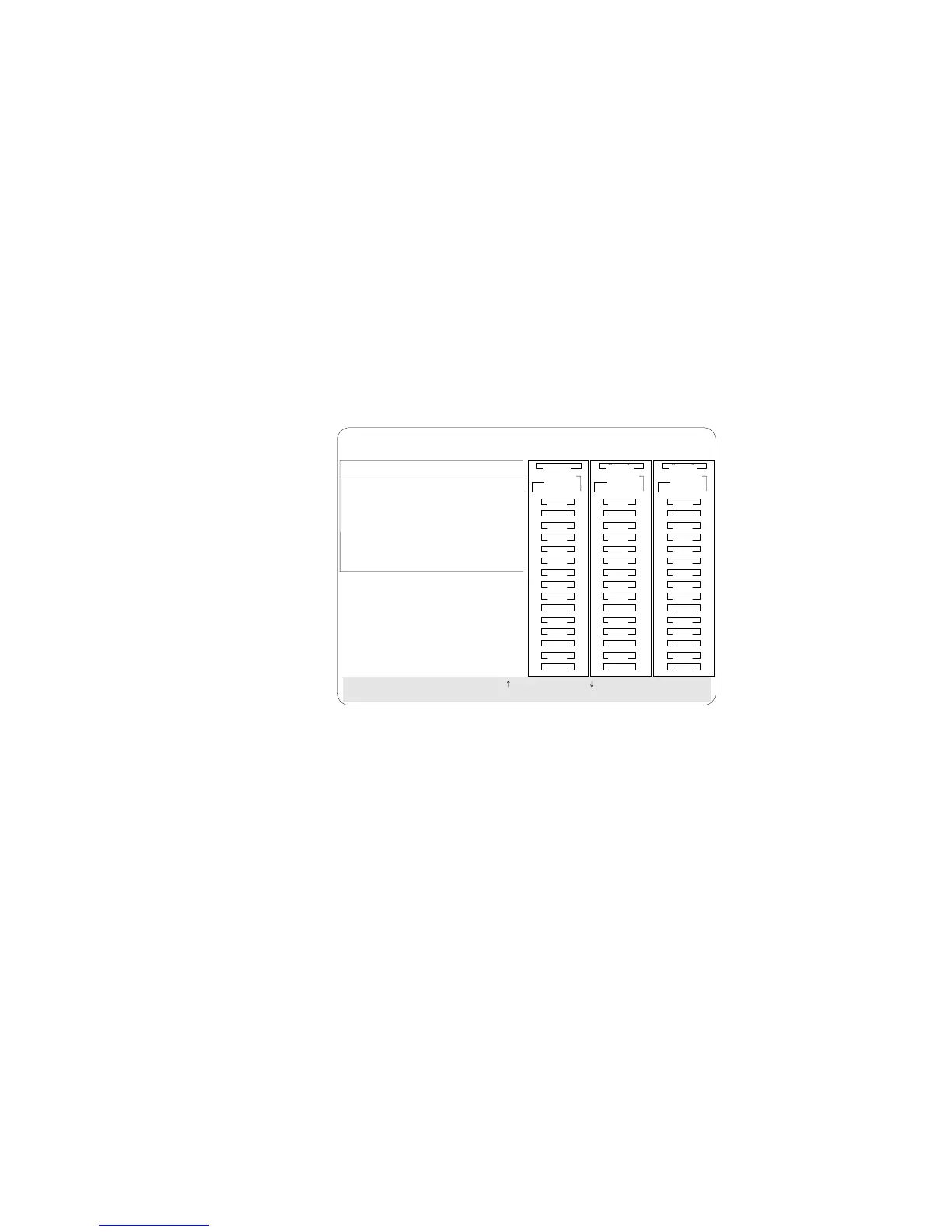
3. Select Create Disk Array from the Create/Delete Array menu.
The cursor becomes active in the Bay/Array selection list.
BayBay
ArrayArray
Ch 2Ch 1
Bay
Array
1
2
3
4
5
6
7
8
9
10
11
12
13
14
15
1
2
3
4
5
6
7
8
9
10
11
12
13
14
15
1
2
3
4
5
6
7
8
9
10
11
12
13
14
15
Ch 1 Ch 2 Ch 3
CDR
Create/Delete Array
1. Help
2. Delete Disk Array
3. Create Disk Array
4. Define Logical Drive
5. Define/ndefine Hot-spare Drive
6. Delete Logical Drive
7. Eit
SelectachoiceusingthepArrow()andDownArrow()keysandpressEnter.
Press Esc to return to previous menu.
A
A
ONL
ONL
B
B
C
C
A
A
ONL
ONL
B
B
C
C
A
ONL
B
A
ONL
C
C
TAP
SHS
HSP
DHS
B
RBL
RDY
ONL
DDD
ONL ONL
ONL
ONL ONL
ONL
ONL ONL
ONL
IBM PC ServeRAID Adapter Disk Array Configuration Ver. 1.XX
Adapter Number: 1 Bus Number: 0 Host ID = Null Config
Note: Carefully determine which drives you want to include in
the array before beginning the selection process. If you
change your mind after selecting the drives for an array,
you can delete the array (by selecting Delete Disk Array
from the Create/Delete Array menu) and then begin
again.
4. Select each drive you want in the array by using the Up Arrow
(↑) key or the Down Arrow (↓) key to highlight the drive and
then pressing Enter. As you select each drive, the status will
change from RDY (Ready) to ONL (Online).
5. When you have selected all the drives you want to include in
the array, press Esc. The cursor will become active in the menu.
Note: When the stripe unit size is 8 K or 16 K, the maximum
number of drives in an array is 16. When the stripe unit
size is 32 K or 64 K, the maximum number of drives in
an array is 8.
92 PC Server 520 User's Handbook for PCI/EISA








 To Next Page