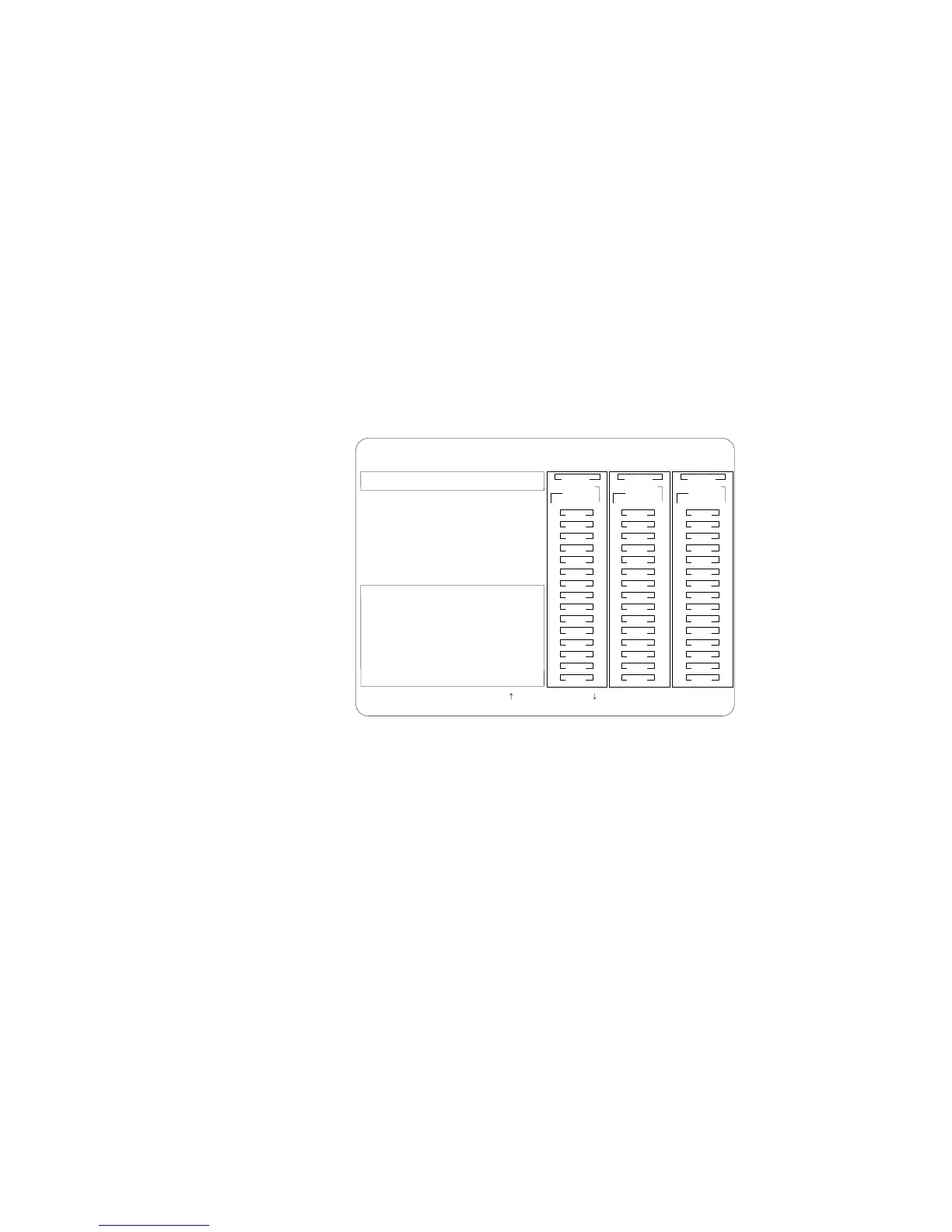
Drive Maintenance
4. Use the Up Arrow (↑) key or the Down Arrow (↓) key to
highlight each of the drives in the Bay/Array selection list. As a
drive is highlighted, the drive information appears.
BayBay
ArrayArray
Ch 2Ch 1
Bay
Array
1
2
3
4
5
6
7
8
9
10
11
12
13
14
15
1
2
3
4
5
6
7
8
9
10
11
12
13
14
15
1
2
3
4
5
6
7
8
9
10
11
12
13
14
15
Ch 1 Ch 2 Ch 3
A
A
ONL
ONL
B
B
C
C
A
A
ONL
ONL
B
B
C
C
A
ONL
B
A
ONL
RDY
C
C
TAP
SHS
HSP
DHS
B
RBL
Drive Information
Vendor ID : IBM
Model : 0664N1H 5 500003
Version : 3404
Capacity : 1920 MB
Soft Error : 0
Hard Error : 0
Parity Error : 0
Misc Error : 0
SelectdriveusingtheUpArrow()andDownArrow()keys,pressEsctoreturn
to the previous menu.
ONL
DDD
ONL ONL
ONL
ONL ONL
ONL
ONL ONL
ONL
IBM PC ServeRAID Adapter Disk Array Configuration Ver. 1.XX
Adapter Number: 1 Bus Number: 0 Host ID = Null Config
Soft Errors displays the number of SCSI Check Conditions
Returned from the Drive status messages (except Unit
Attention messages) since the Device Error Table was last
cleared.
Hard Errors displays the number of SCSI I/O processor
errors or Predictive Failure Analysis (PFA errors) that
occurred on the drive since the Device Error Table was last
cleared.
Parity Errors displays the number of parity errors that
occurred on the SCSI bus since the Device Error Table was
last cleared.
Misc Errors displays the number of other errors (such as
selection timeout, unexpected bus free, or SCSI phase error)
that have occurred on the drive since the Device Error Table
was last cleared.
5. Press Esc to return to the previous menu.
Chapter 3. Configuring the Disk Array 105








 To Next Page