Drive Maintenance
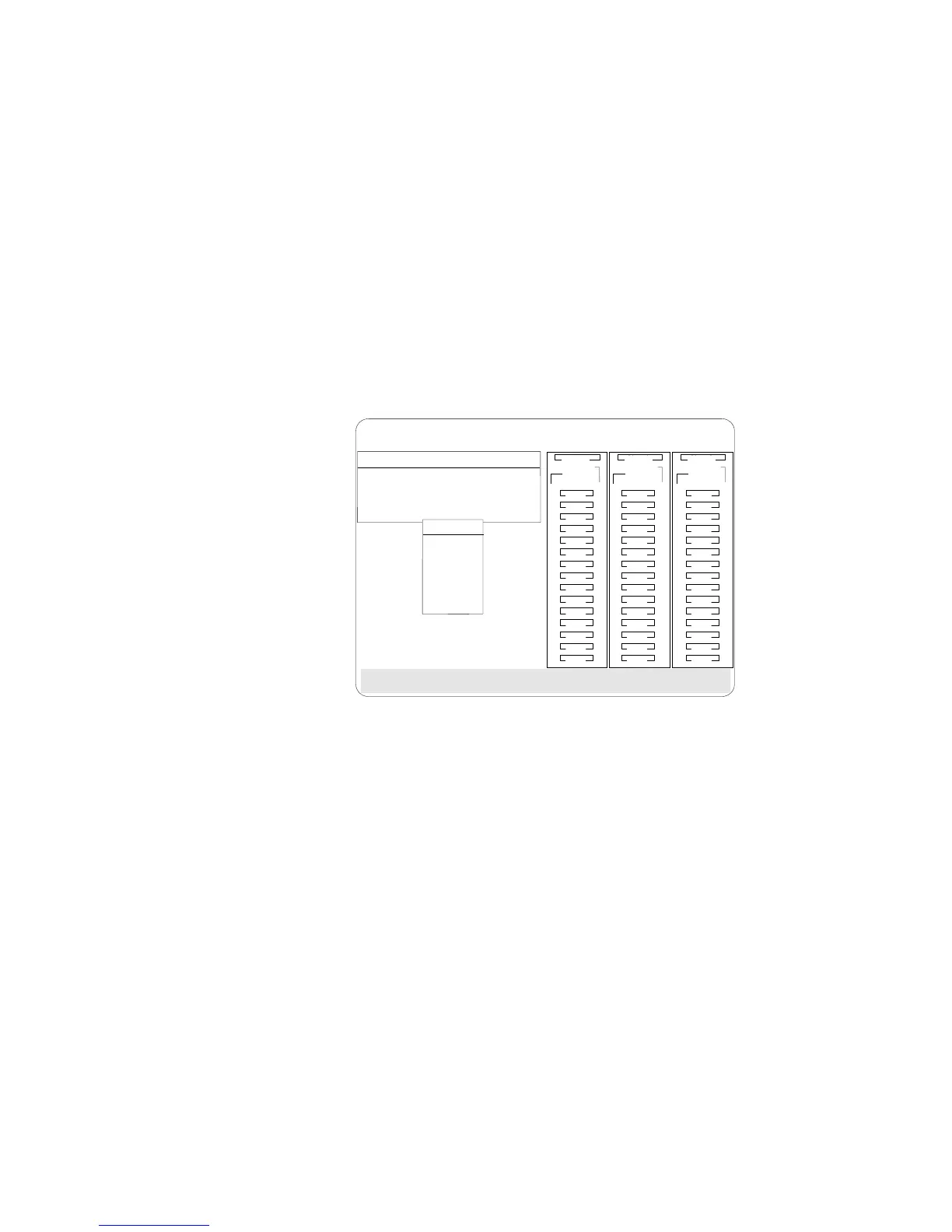
3. Select Set Device State. The cursor will become active in the
Bay/Array selection list.
Select the state to change the drive and press Enter.
BayBay
ArrayArray
Rebuild/Device Management
Ch 2Ch 1
Bay
Array
1
2
3
4
5
6
7
8
9
10
11
12
13
14
15
1
2
3
4
5
6
7
8
9
10
11
12
13
14
15
1
2
3
4
5
6
7
8
9
10
11
12
13
14
15
Ch 1 Ch 2 Ch 3
CDR
Drive States
1. EMP
2. SBY
3. DHS
4. SHS
5. DDD
6. RDY
7. HSP
8. ONL
9. RBL
A
A
ONL
ONL
B
B
C
C
A
A
ONL
ONL
B
B
C
C
A
ONL
B
A
ONL
C
C
TAP
SHS
HSP
DHS
B
RBL
RDY
1. Help
2. Set Device State
3. Rebuild Logical Drive
4. Display Drive Information
5. Erase Device Error Table
6. Exit
ONL
DDD
ONL ONL
ONL
ONL ONL
ONL
ONL ONL
ONL
IBM PC ServeRAID Adapter Disk Array Configuration Ver. 1.XX
Adapter Number: 1 Bus Number: 0 Host ID = Null Config
4. Use the Up Arrow (↑) key or the Down Arrow (↓) key to
highlight the appropriate drive; then, press Enter. The Drive
States pop-up window appears, listing all hard disk drive states.
5. Highlight the appropriate drive state and press Enter. The
cursor will become active in the Bay/Array selection list, and
will display the new state.
The numbers shown on the left in the Bay/Array selection list
area in the previous figure are the bay numbers. See
“Bay/Array Selection List” on page 106 for an explanation of
the bay numbers.
Chapter 3. Configuring the Disk Array 109








 To Next Page