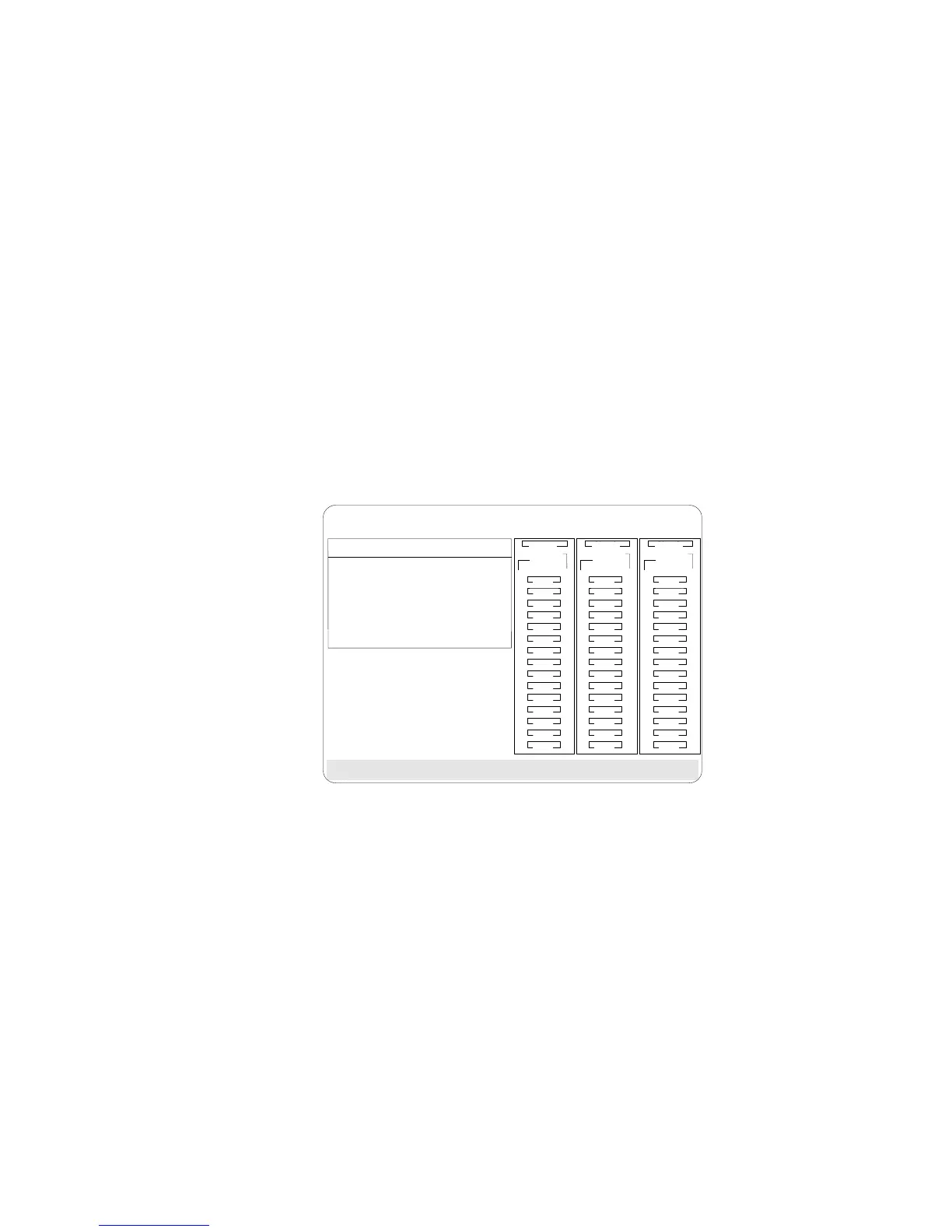
Resetting the Adapter Configuration
Synchronizing the Adapter Configuration
When the configuration information in the adapter NVRAM,
EEPROM, and hard disk drives does not match, you can select one
source, and copy the selected configuration information to the other
locations. This menu provides options to synchronize this
configuration information.
BayBay
ArrayArray
Ch 2Ch 1
Bay
Array
1
2
3
4
5
6
7
8
9
10
11
12
13
14
15
1
2
3
4
5
6
7
8
9
10
11
12
13
14
15
1
2
3
4
5
6
7
8
9
10
11
12
13
14
15
Ch 1 Ch 2 Ch 3
There is no valid configuration. Press any key to return to pervious menu.
A
A
ONL
ONL
B
B
C
C
DDD
A
A
ONL
ONL
B
B
C
C
A
ONL
B
ONL
A
ONL
RDY
C
C
TAP
SHS
HSP
DHS
B
RBL
Select Configuration Source
1. EEPROM as Source
2. NVRAM as Source
3. NVRAM+POCL as Source
4. Hard Disk Drive as Source
5. Identified HDD as Source
6. Specific HDD as Source
7. Exit
ONL
ONL
ONL
ONL
ONL
ONL
ONL
ONL
ONL
ONL
IBM PC ServeRAID Adapter Disk Array Configuration Ver. 1.XX
Adapter Number: 1 Bus Number: 0 Host ID = Null Config
EEPROM as Source copies configuration information from the
adapter EEPROM to NVRAM and to all hard disk drives in a
Rebuild or Online state that are defined in the adapter EEPROM
configuration.
NVRAM as Source copies the configuration information from
NVRAM to the adapter EEPROM and to all hard disk drives in
a Rebuild or Online state defined in the NVRAM configuration.
NVRAM and POCL as Source updates information from the
power-on change list with the information in NVRAM. This
information is then copied to the adapter EEPROM and to all
hard disk drives in a Rebuild or Online state that are defined in
the NVRAM configuration.
Hard Disk Drives as Source retrieves configuration information
from hard disk drives. The configuration information is then
copied to the adapter NVRAM and EEPROM.
120 PC Server 520 User's Handbook for PCI/EISA








 To Next Page