Additional Disk-Array Tasks
Changing the RAID Parameters
To change the RAID parameters:
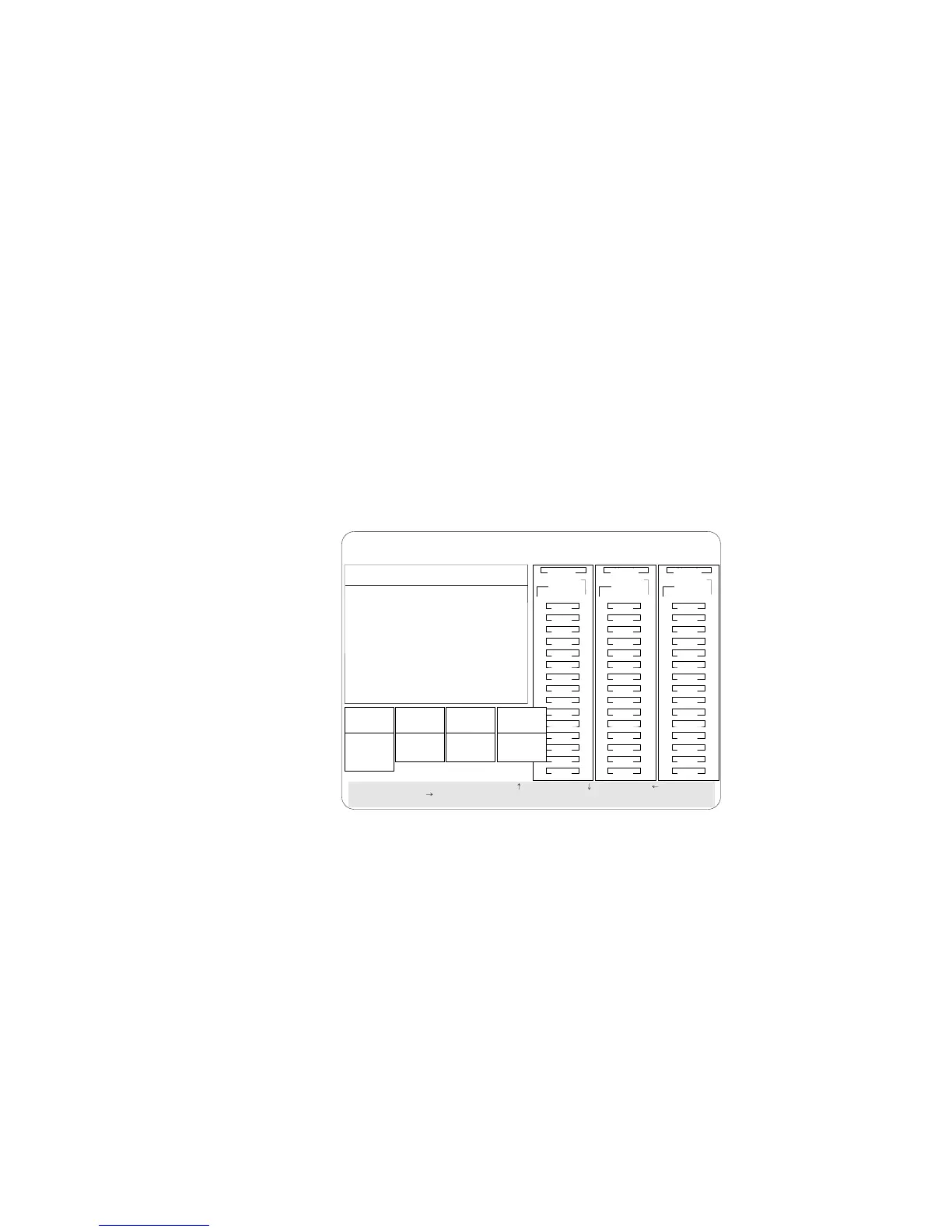
1. Start the ServeRAID configuration program (see “Starting the
ServeRAID Configuration Program” on page 86).
2. Select Advanced Functions from the Main Menu.
3. Select Change RAID Parameters.
BayBay
ArrayArray
Ch 2Ch 1
Bay
Array
1
2
3
4
5
6
7
8
9
10
11
12
13
14
15
1
2
3
4
5
6
7
8
9
10
11
12
13
14
15
1
2
3
4
5
6
7
8
9
10
11
12
13
14
15
Ch 1 Ch 2 Ch 3
Select a choice using the Up Arrow, ( ) Down Arrow, ( ) Left Arrow ( )
andRightArrow()keys.
Press Enter to change parameter. Press Esc to return to main menu.
Stripe
Unit Size
8K
Rebuild
Priority
High
Unattended
Off
Read
Ahead
On
1. 8K
2. 16K
3. 32K
4. 64K
1. Medium
2. High
3. Low
1. On
2. Off
1. On
2. Off
A
A
ONL
ONL
B
B
C
C
A
A
ONL
ONL
B
B
C
C
A
ONL
B
A
ONL
RDY
C
C
TAP
SHS
HSP
DHS
B
RBL
Advanced Functions
1. Help
2. Backup config. to Diskette
3. Restore config. from Diskette
4. Change Write Policy
5. Change RAID Parameters
6. IBM RAID Subsystem Diagnostics
7. Init/View/Synchronize Config
8. Display/Change Adapter Params
9. Exit
ONL
DDD
ONL ONL
ONL
ONL ONL
ONL
ONL ONL
ONL
IBM PC ServeRAID Adapter Disk Array Configuration Ver. 1.XX
Adapter Number: 1 Bus Number: 0 Host ID = Null Config
The default settings are:
Stripe unit size — 8K
Attention: Once the stripe unit is chosen and data is stored in
the logical drives, the stripe unit cannot be changed without
destroying data in the logical drives.
The stripe unit size is the amount of data written on a given
disk before writing on the next disk. To maximize the overall
performance, choose the stripe unit such that the stripe-unit size
is close to the size of the system I/O request. The default is set
to 8 K data bytes.
Note: When the stripe unit size is 8 K or 16 K, the maximum
number of drives in an array is 16. When the stripe unit
Chapter 3. Configuring the Disk Array 127








 To Next Page