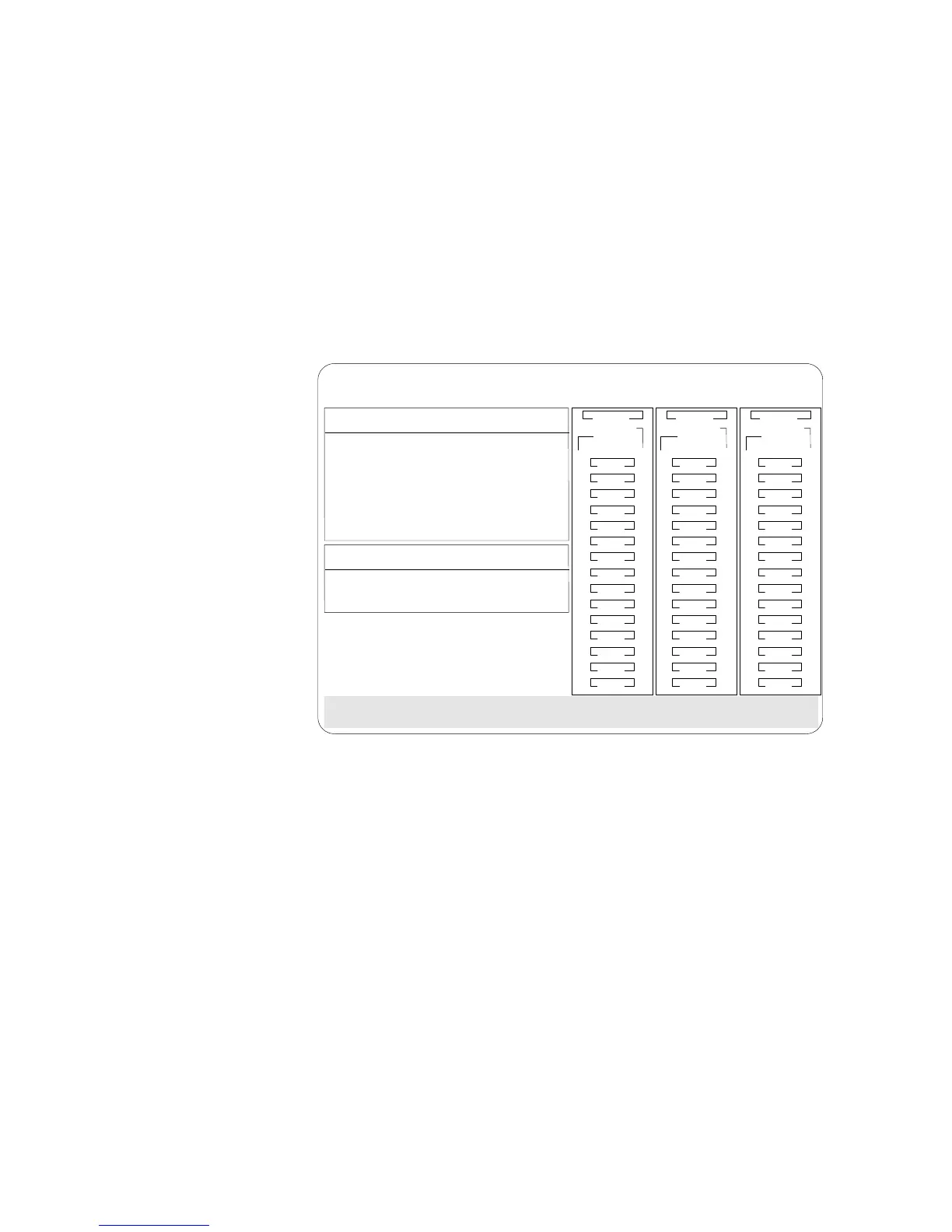
Additional Disk-Array Tasks
BayBay
ArrayArray
Ch 2Ch 1
Bay
Array
1
2
3
4
5
6
7
8
9
10
11
12
13
14
15
1
2
3
4
5
6
7
8
9
10
11
12
13
14
15
1
2
3
4
5
6
7
8
9
10
11
12
13
14
15
Ch 1 Ch 2 Ch 3
A
A
ONL
ONL
B
B
C
C
DDD
A
A
ONL
ONL
B
B
C
C
A
ONL
B
ONL
ONL
ONL
ONL
ONL
ONL
ONL
ONL
ONL
ONL
A
ONL
RDY
C
C
TAP
SHS
HSP
DHS
B
RBL
Display/Change Adapter Parameter
Set BIOS Compatability Mapping
1. Help
2. Display Adapter Status
3. Change Adapter Host/SCSI ID
4. Set BIOS Compatability Mapping
5. Set Channel => Bank Mapping
6. Exit
1. Extended BIOS Mapping (8GB)
2. Limited BIOS Mapping (2GB)
Select option for which to set BIOS compatability bit.
IBM PC ServeRAID Adapter Disk Array Configuration Ver. 1.XX
Adapter Number: 1 Bus Number: 0 Host ID = Null Config
Display/Adapter Status allows you to view the status of the
adapter.
Change Adapter Host/SCSI ID allows you to change the
adapter SCSI ID and the SCSI transfer rate. You can also
define the host configuration ID as any 12 characters. In
addition, you can change the number of drives in a group
that will startup simultaneously, and set the start-up delay
in seconds between groups of drives.
Set BIOS Compatibility Mapping allows you to set the
BIOS mapping to 2 GB or 8 GB.
Chapter 3. Configuring the Disk Array 131








 To Next Page