Preparing to Install Options
6. If you did not already do so during setup, remove the
cardboard packing material from the server.
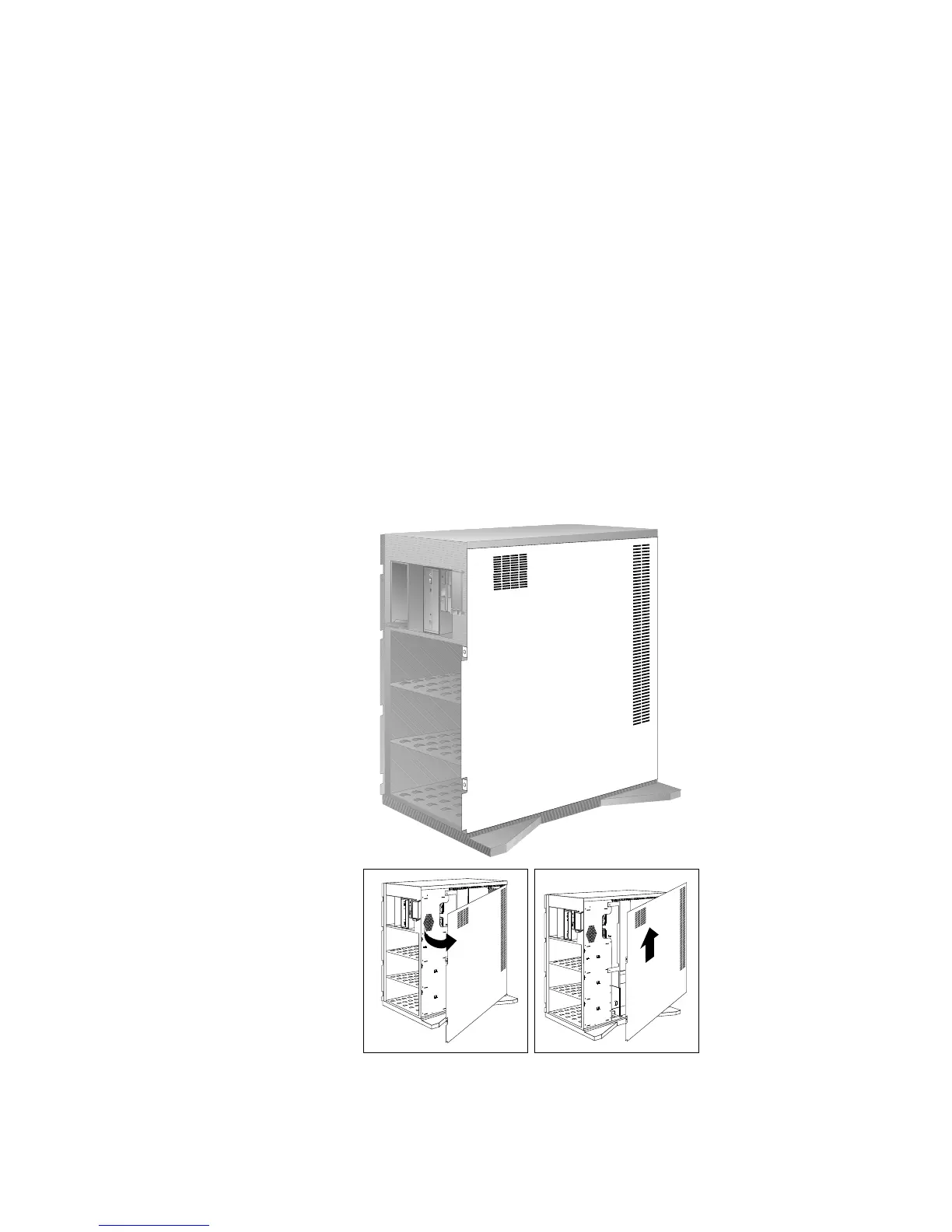
7. Remove the side cover:
a. Pivot the side cover away from the front of the server.
b. Remove the cover by carefully lifting it up and off the
hinges. Store it in a safe place.
Chapter 5. Installing Options 167








 To Next Page