Removing Memory-Module Kits
Removing Memory-Module Kits
Before you begin:
Be sure you have:
Read “Electrical Safety” on page 161 and “Handling
Static-Sensitive Devices” on page 162.
Removed the server side cover (see “Preparing to Install
Options” on page 163).
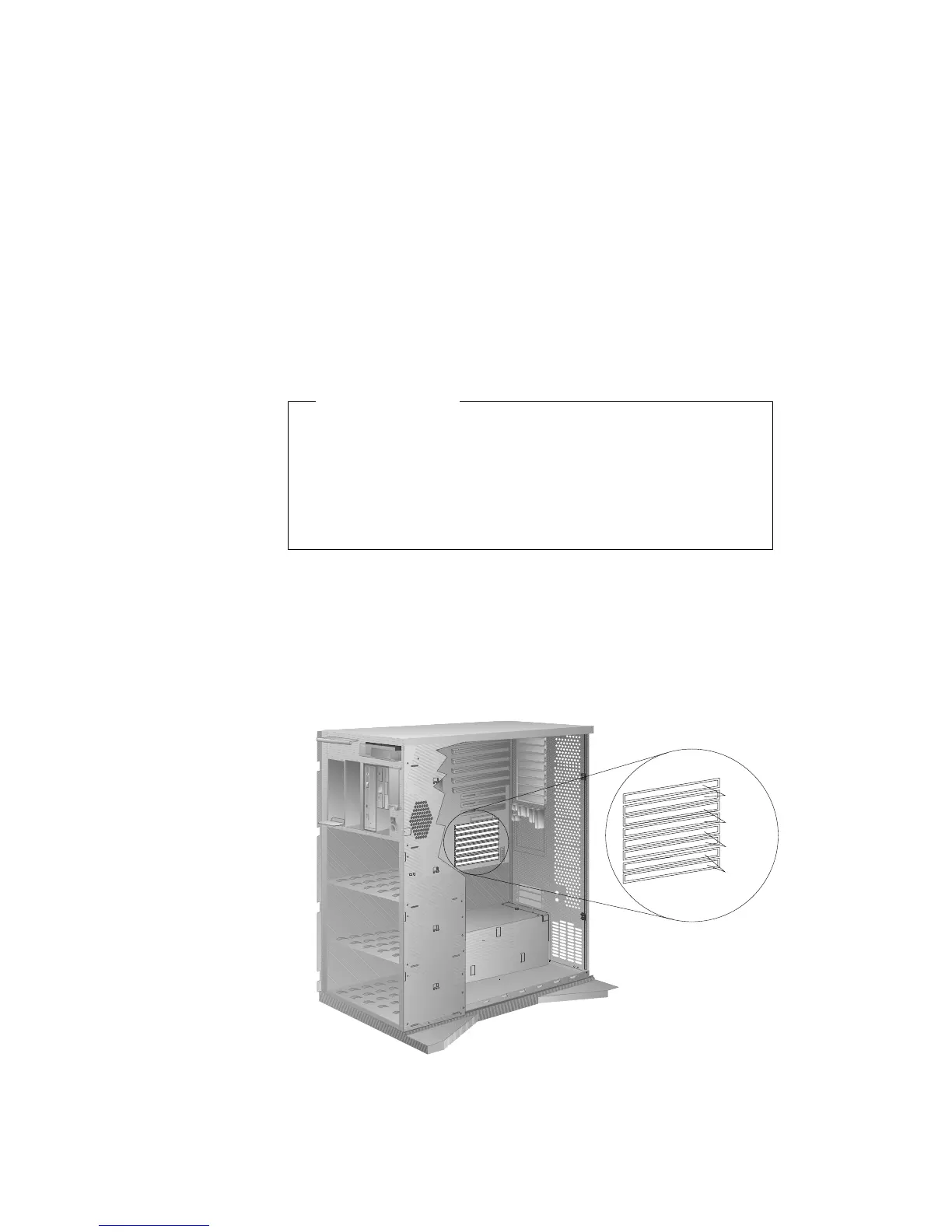
1. Locate the memory-module kit connectors and determine which
memory-module kits you want to remove.
Note: You must remove the memory-module kits in pairs,
starting with the kits that are installed in the two bottom
connectors (bank 0).
Bank 3
Bank 2
Bank 1
Bank 0
Chapter 5. Installing Options 175








 To Next Page