Removing Memory-Module Kits
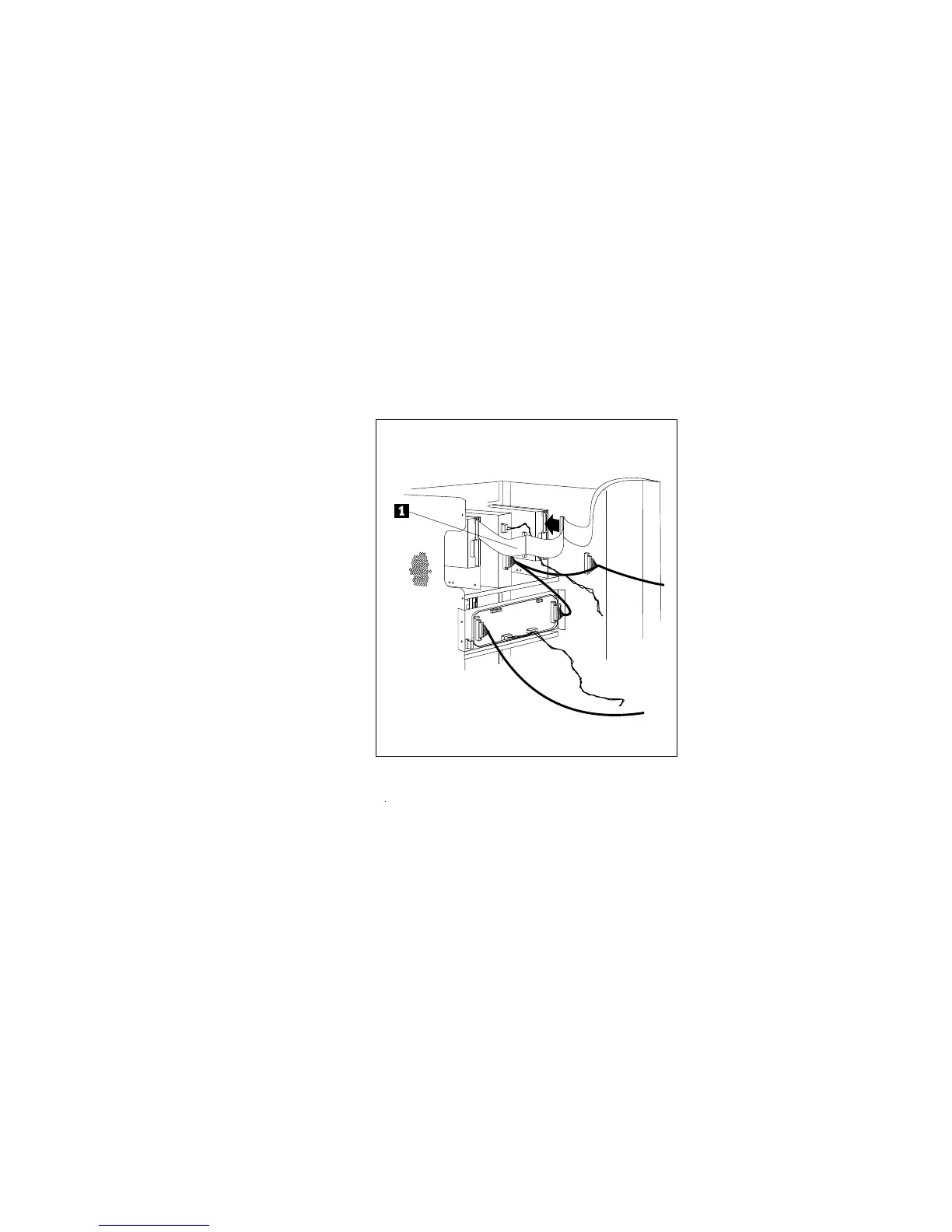
6. If you removed it, reconnect the diskette cable .1/ to the
connector.
7. Reinstall the cover (see “Completing the Installation” on
page 266) and run the EISA Configuration program (see “Using
the EISA Configuration Diskette” on page 295). The next time
that you start the server, a message appears to indicate that
memory has been added or removed.
178 PC Server 520 User's Handbook for PCI/EISA








 To Next Page