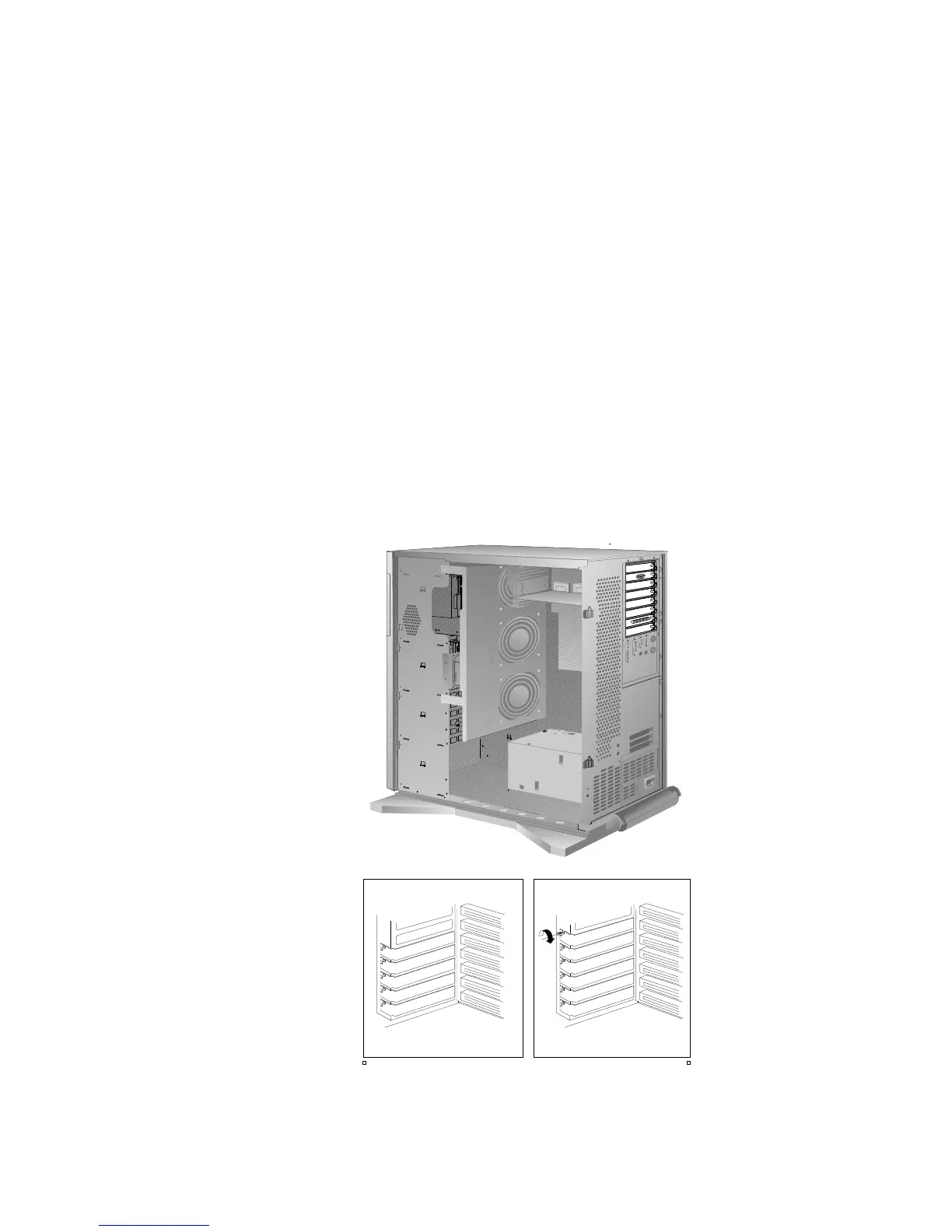
Removing Adapters
2. If you are installing another adapter in this expansion slot, see
“Installing Adapters” on page 180 for instructions.
If you are not installing another adapter in this expansion slot,
replace the expansion-slot cover:
a. Slide the cover over the open expansion slot.
b. Tighten the expansion-slot screw on the top of the
expansion-slot cover.
194 PC Server 520 User's Handbook for PCI/EISA








 To Next Page