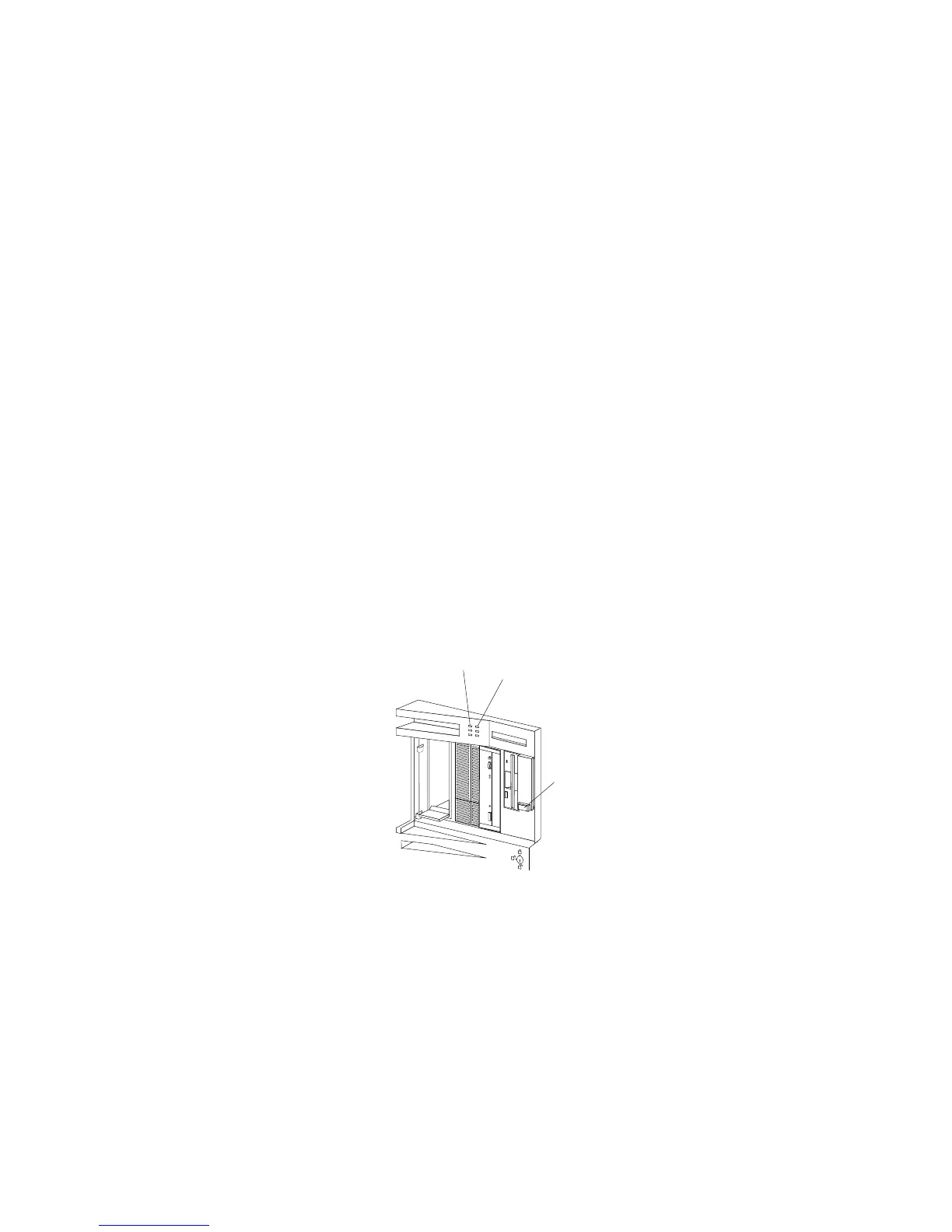
Controls and Status Indicators
Your server front panel contains one switch: Power On/Off. This
switch is illustrated below and is described in the following list.
Your server has two light-emitting diode (LED) indicators that show
the system status. The amber indicators highlight the alert
conditions; the green indicators confirm that the server is operating
properly. The two indicators on your server are Power OK and Hard
Disk Drive Activity. These indicators are illustrated below and are
described in the following list.
Power OK Indicator
Power On/Off Switch
Hard Disk Drive
Activity Indicator
4 PC Server 520 User's Handbook for PCI/EISA








 To Next Page