Installing Internal Drives
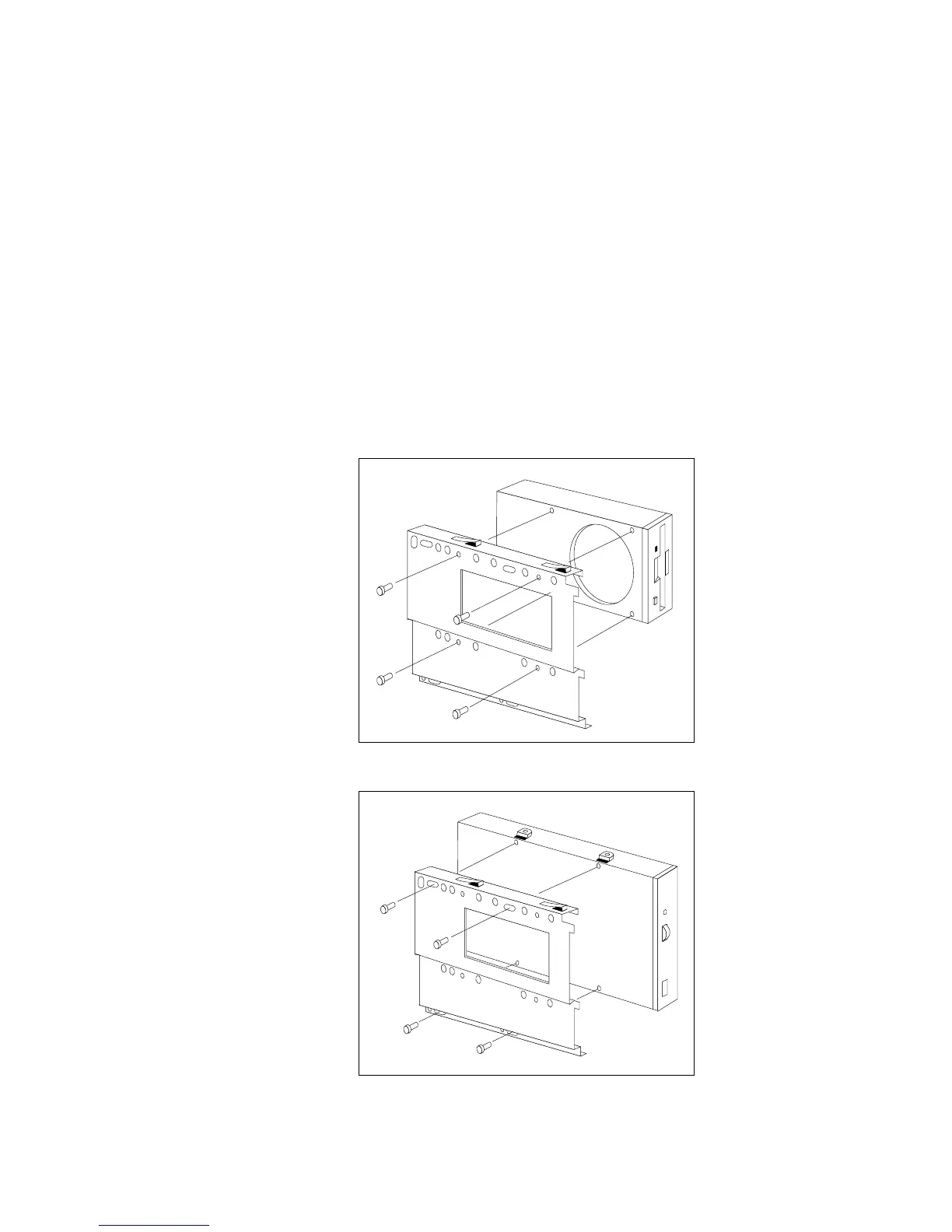
1. Each drive that you install in bay B must have a tray like that
shown below. An extra tray is shipped in bay B; attach it to
your drive. If your drive comes with a different tray, remove it
and install the IBM tray.
3.5-inch drive
5.25-inch drive
208 PC Server 520 User's Handbook for PCI/EISA








 To Next Page