Installing Internal Drives
10. Each drive that you plan to install in bank E must have a
hot-swap-drive tray attached. If your drive comes with a
different tray, remove it and attach the appropriate
hot-swap-drive tray to your drive. Follow the instructions in
the kit that contains the hot-swap-drive tray.
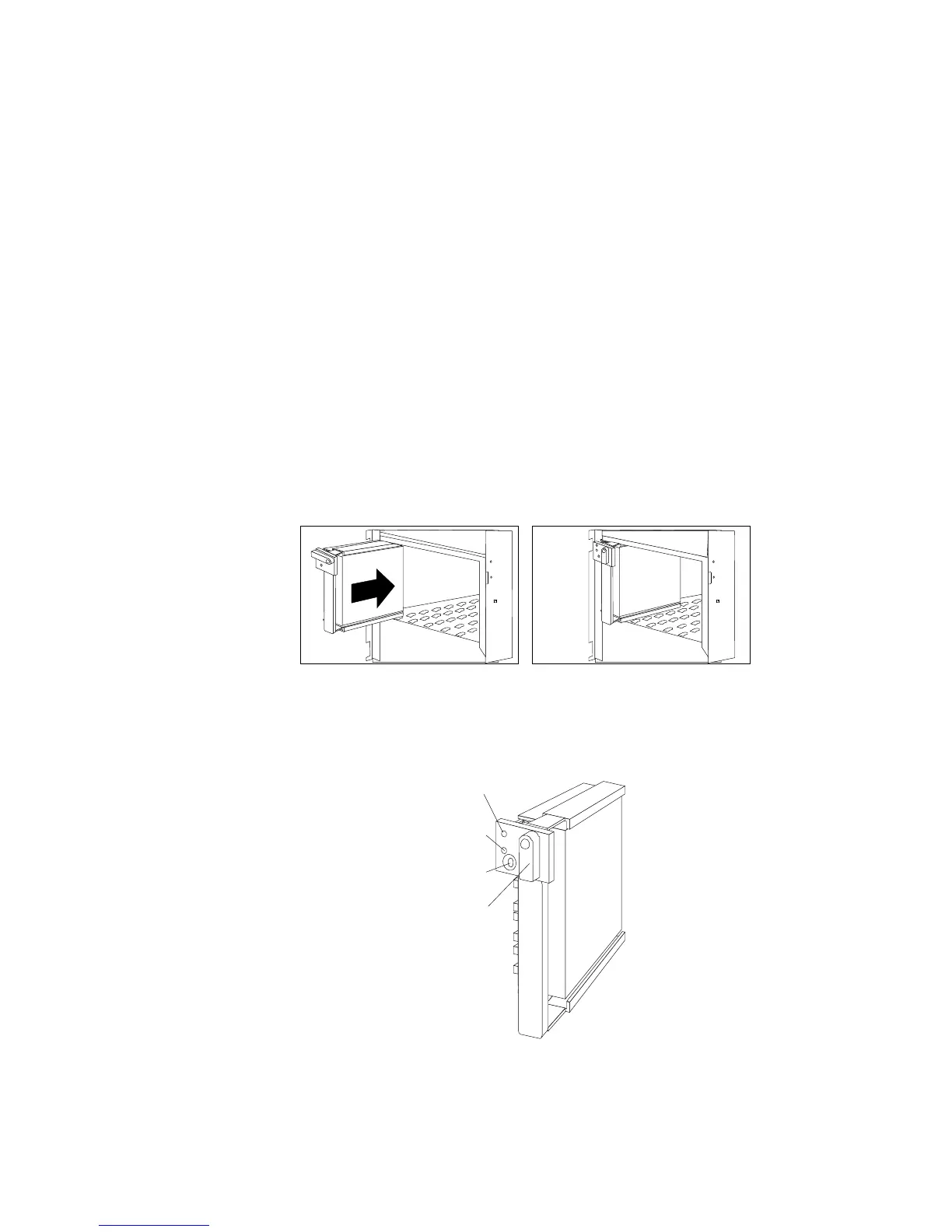
11. Install the hard disk drive in bank E (see step 18 on page 229
for detailed instructions).
Note: If you turned on the server before installing the drive, the
light on the knob of the drive tray illuminates, indicating
that the drive was installed correctly.
Locked
Position
Green
Light
Amber
Light
Power-Off
Switch
238 PC Server 520 User's Handbook for PCI/EISA








 To Next Page