Changing Jumper Settings
For example, suppose you install three half-high drives in both
banks D and E of a disk-array model. Each half-high drive occupies
two bays in the bank, thus covering two of the connectors on the
backplane. The drive tray connects to the leftmost of the two
connectors. Before you connect the banks with a daisy-chain cable,
you must set the SCSI ID jumper (J12) on bank E to HI.
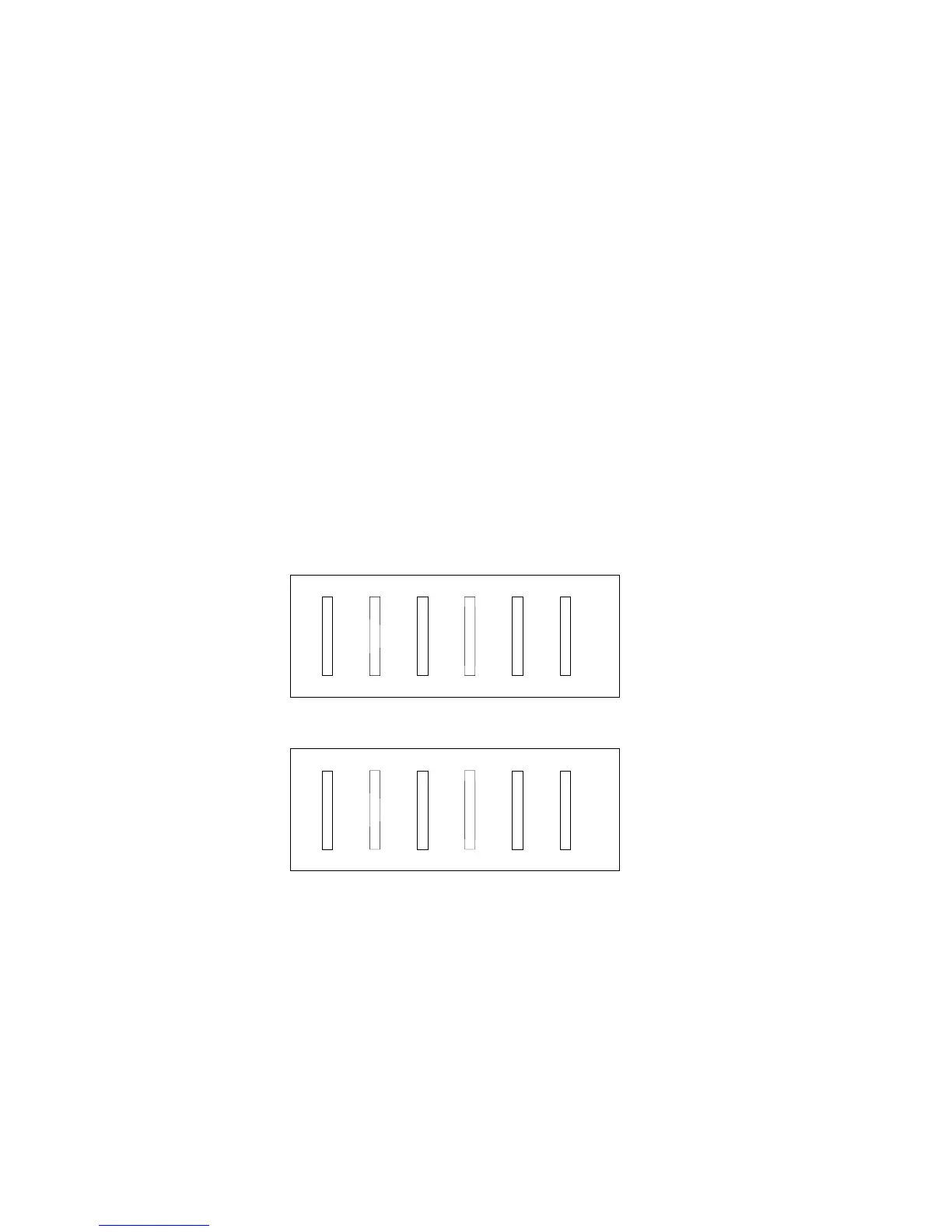
The following illustrations show the SCSI connectors, viewed from
the front of the server. The jumper on backplane D is set to LO, the
default. The half-high drives in bank D will have their SCSI IDs set
to 0, 2, and 4.
0 1 2 3 4 5
The jumper on backplane E is set to HI. The half-high drives in
Bank E will have their SCSI IDs set to 8, 10, and 12.
8 9 10 11 12 13
Note: When you view configuration screens for the ServeRAID
adapter, remember that the Bay Number in the Bay/Array
selection list corresponds to the SCSI ID number plus 1.
Thus, a hard disk drive with SCSI ID 8 is found in the
leftmost drive bay; the drive state is shown in Bay 9.
SCSI devices may also have jumpers. The jumpers on the devices
must be removed when the devices are placed in hot-swap trays.
For more information, see “SCSI Drives” on page 201.
Chapter 5. Installing Options 253








 To Next Page