Security Procedures
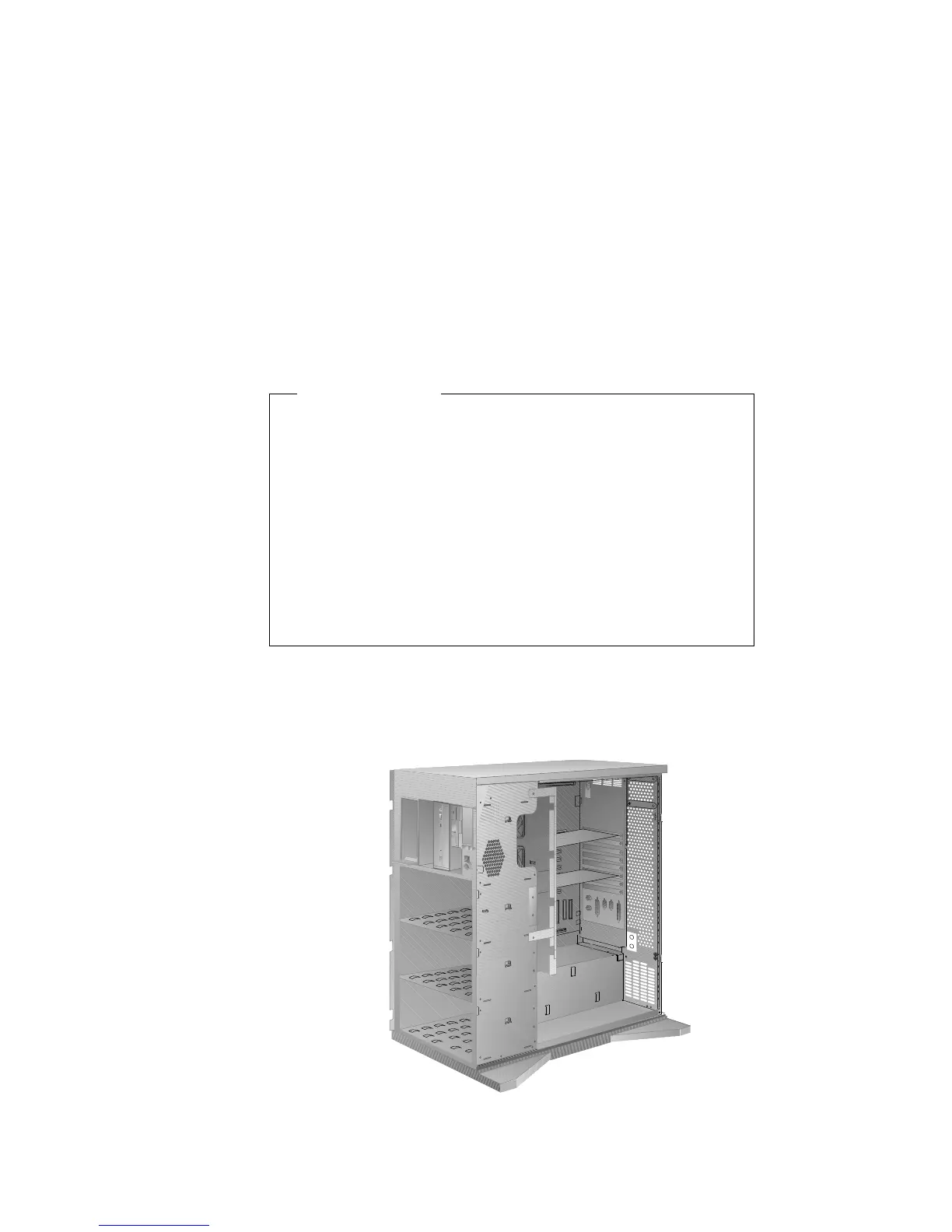
Installing a U-Bolt
Before you begin:
Be sure you have:
Obtained a 19 mm (3/4 in.) U-bolt or wire rope (similar to
National Manufacturing No. 3230, STK No. 176-735).
Obtained a security cable.
Obtained a lock, such as a combination lock or padlock.
Read “Electrical Safety” on page 161 and “Handling
Static-Sensitive Devices” on page 162.
Removed the server side cover (see “Preparing to Install
Options” on page 163).
1. Install the U-bolt:
a. Locate the two holes for the U-bolt in the rear panel of the
server.
264 PC Server 520 User's Handbook for PCI/EISA








 To Next Page