Starting the Server
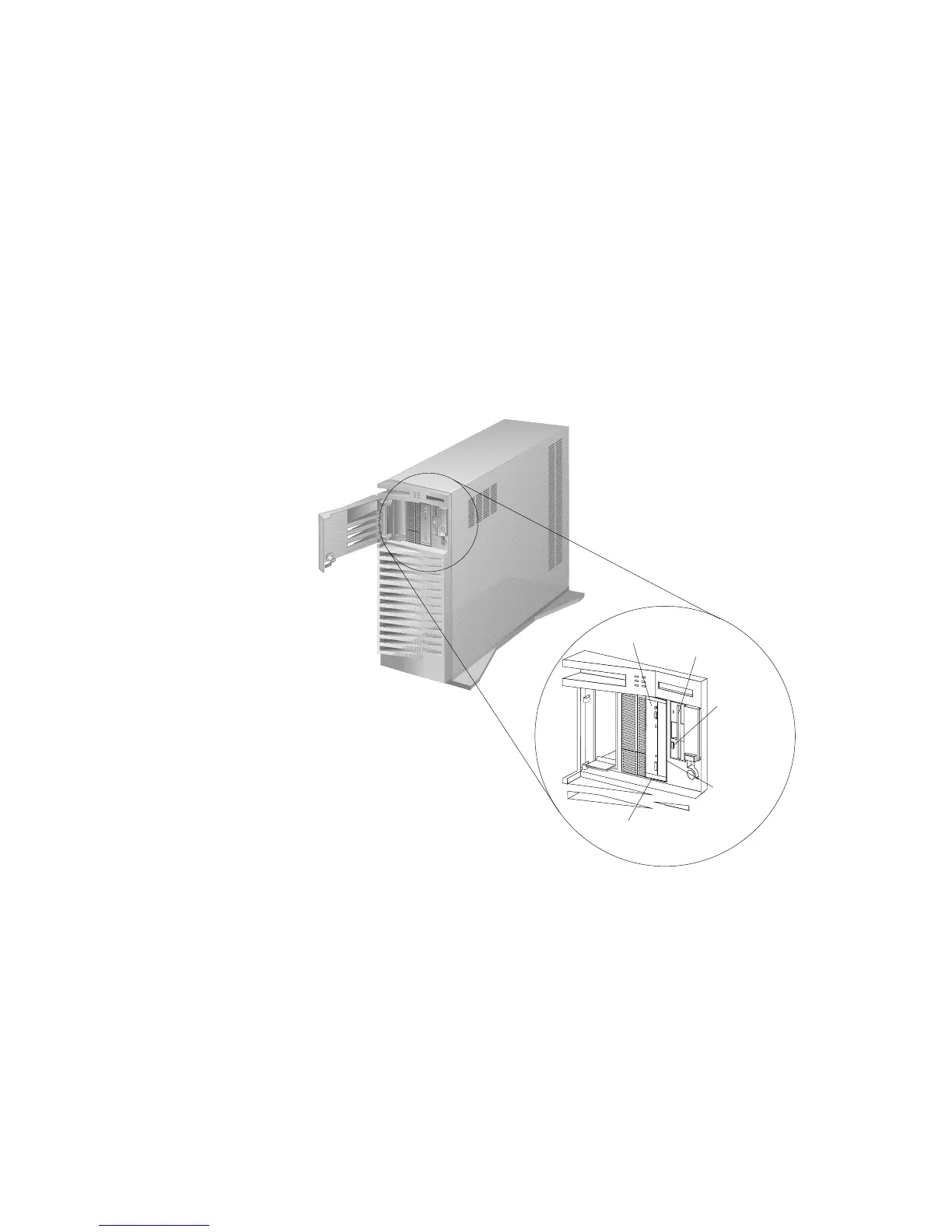
4. If the diskette drive contains packing material or a diskette,
remove it from the drive.
Diskette
Eject
Button
CD-ROM Tray-
Release Button
Manual Tray-
Release
Opening
CD-ROM
Drive
Diskette
Drive
5. If the server is turned on, turn it off.
Note: The Power On/Off switch is located under a transparent
cover on the right side of the server. You must lift this
transparent cover to reach the Power On/Off switch.
6. If you installed any external devices, such as printers, plotters,
or modems, turn them on now.
Chapter 1. Introducing the PC Server 520 13








 To Next Page