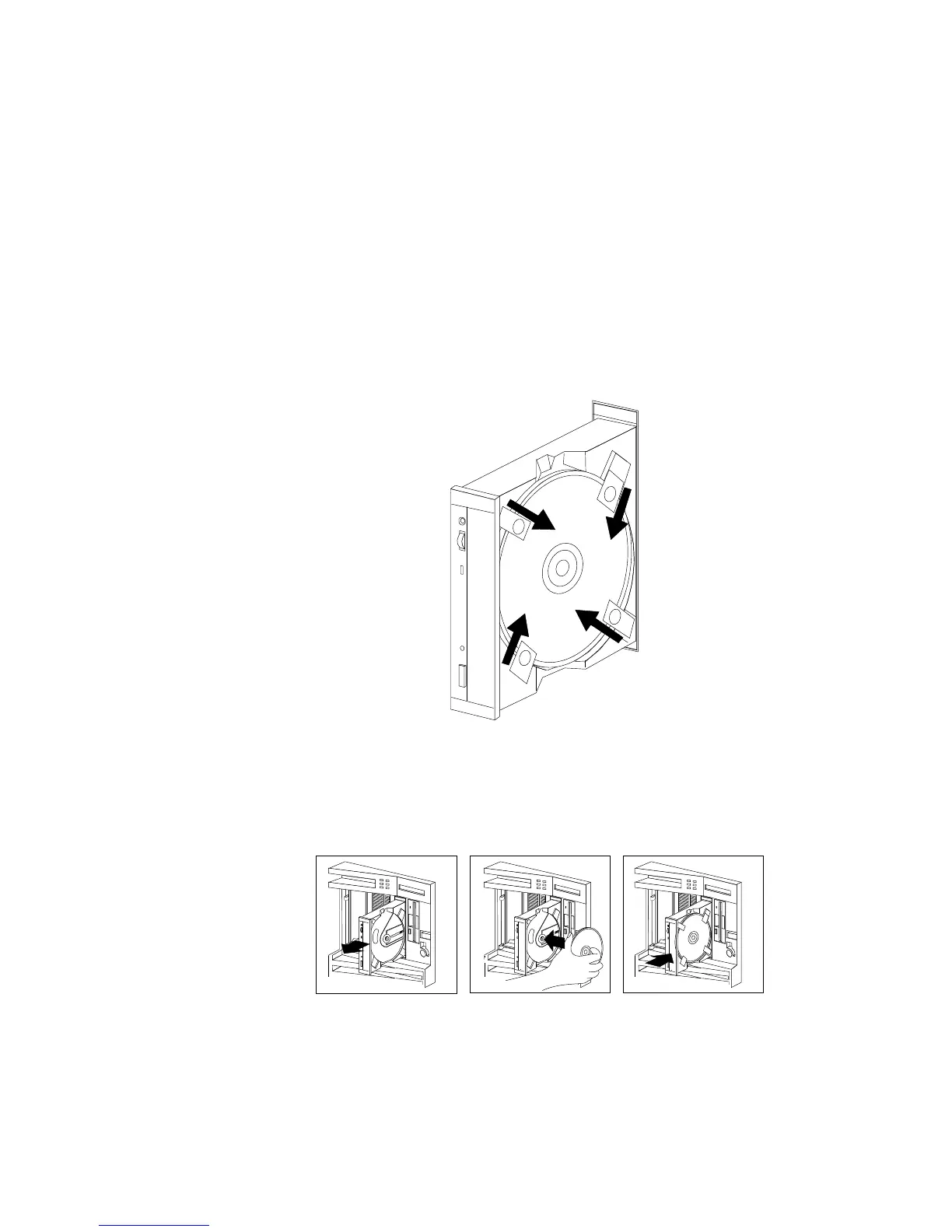
3. Locate the tabs in the corners of the tray.
4. With the label information facing right, center and hold the
ServerGuide Main CD on the tray as shown.
5. Insert a fingertip or a small, blunt object such as the tip of a pen
into the depression on each tab; then, slide the tabs over the CD.
6. Push the CD-ROM tray back into the server.
7. Insert the ServerGuide License Diskette into the diskette drive.
8. Press the Ctrl+Alt+Del key sequence to restart the server.
Chapter 1. Introducing the PC Server 520 17








 To Next Page