ESCON Channel Adapter Cable Installation
To install the optical fiber cables or the V-cable, follow the directions in this section.
Repeat the Steps for each cable you are installing.
Installing Optical Fiber Cables
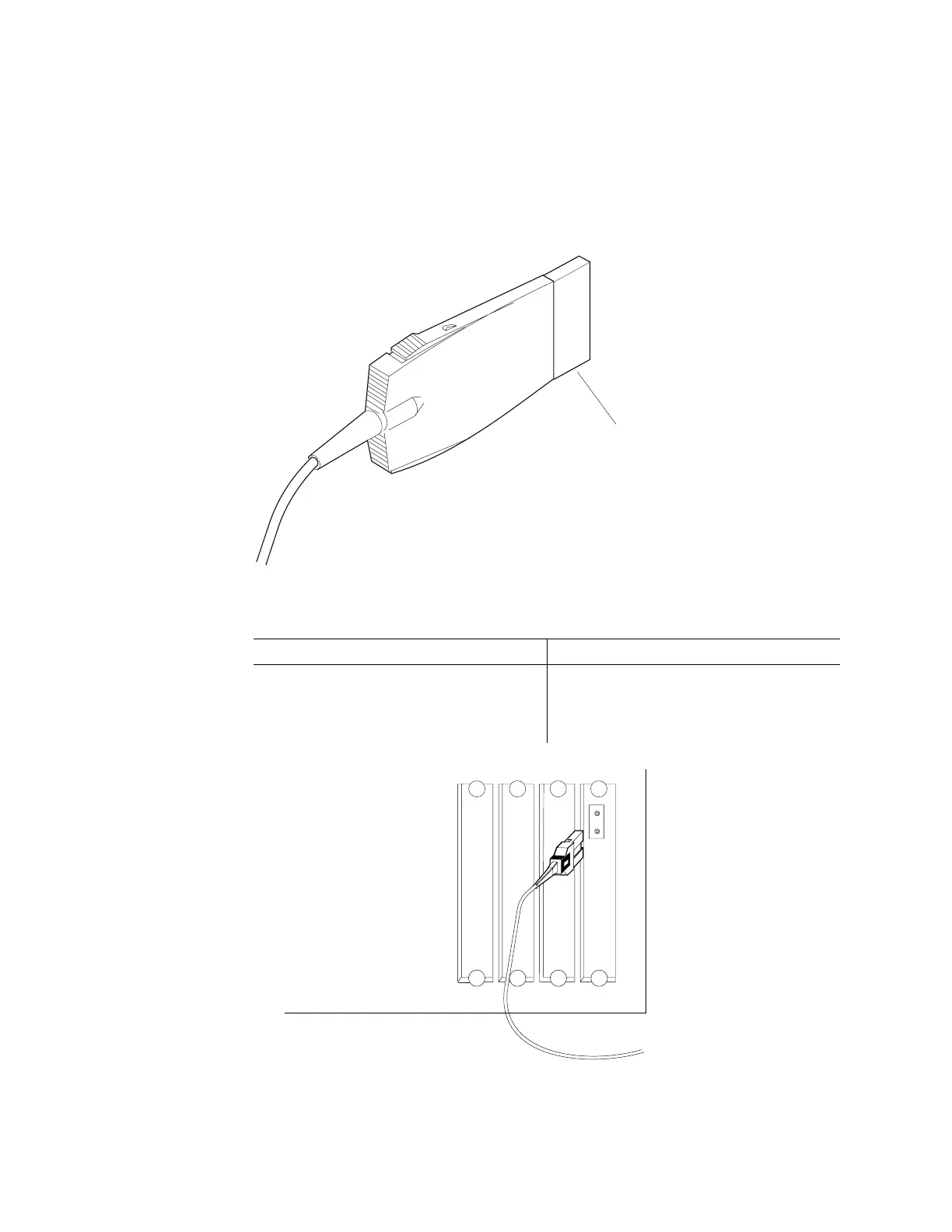
The ESCON connector has a protective cover on the pronged end. The protective
cover does not need to be removed for operation.
Protective
Cover
1.
Table 3-5. ESCON Cables
Connect Disconnect
To connect the adapter cables to the
ESCON Adapter, push the connector into
the adapter connector until it clicks.
To disconnect the ESCON Adapter cable
from the adapter connector, squeeze tabs
on the top and bottom of the connector and
remove it from the adapter connector.
3-44 3746-9X0: MAE Installation and Maintenance


 To Next Page
 Loading...







