Attention
Electrostatic discharge (ESD) can damage the static-sensitive devices on
circuit boards. To avoid this kind of damage, use the following
precautions:
Do not remove the DIMM until you are ready to insert it into the
Multiaccess Enclosure.
Use correct grounding techniques when inspecting and installing the
DIMM. Use a foot strap or grounding mat, or wear a grounded static
discharge wrist strap, or touch a grounded rack or other source of
ground before you handle the DIMM.
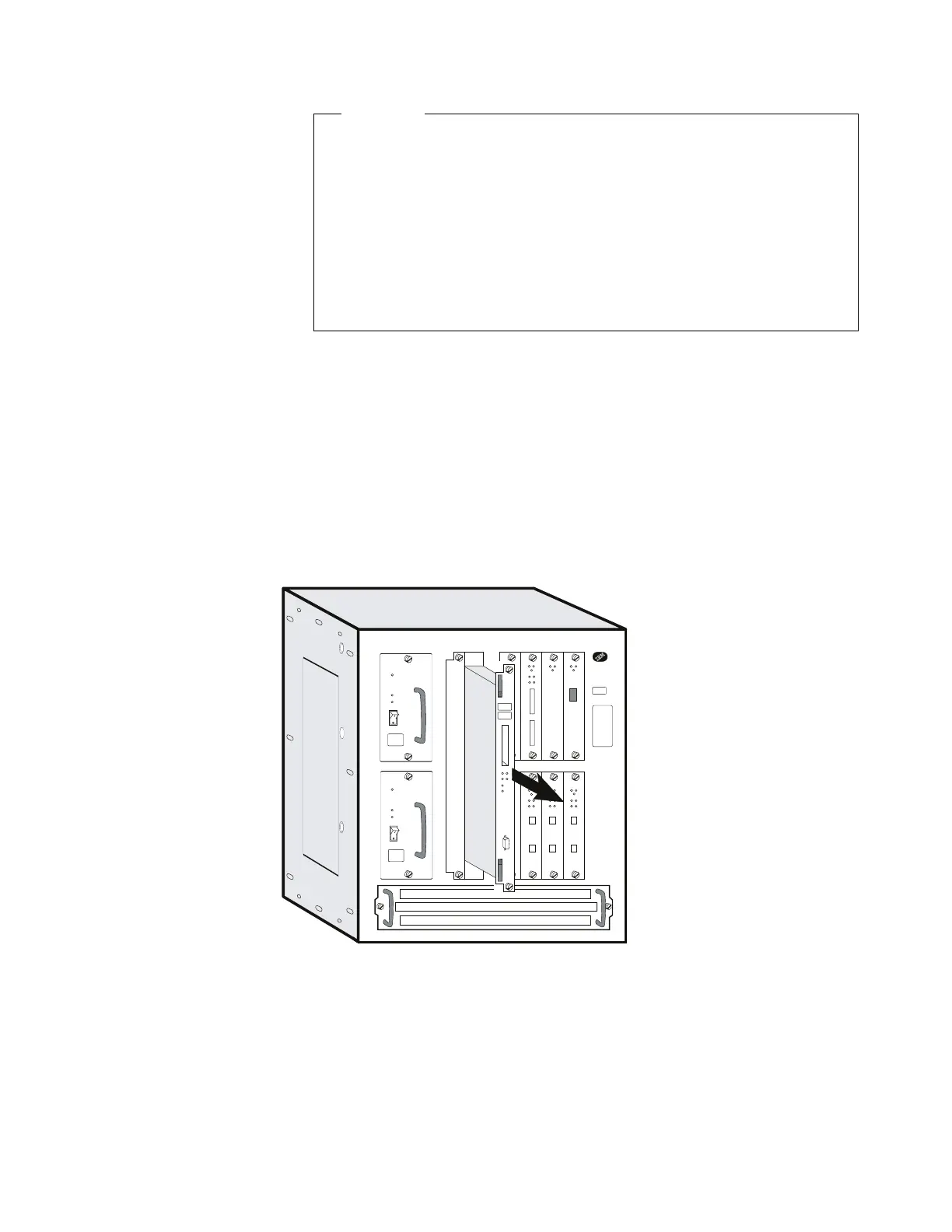
a Switch OFF each power supply.
b Label the cables on the system card. Unplug the cables and the
PCMCIA card.
c Loosen thumbscrews on the system card.
d Remove the system card and lay it on a soft non-conductive surface.
e Unpack the new system card and lay it on a soft non-conductive
surface.
4 Remove the DIMMS from the defective system card and install them on the
new system card:
a Refer to “Exchanging the Memory on the System Card” on page 4-32
and perform Step 6 on page 4-32 to Step 11 on page 4-34.
5 Remove the hard disk from the defective system card and install it on the
new system card:
Chapter 4. Multiaccess Enclosure FRU Exchange 4-9


 To Next Page
 Loading...







