bPress Enter.
c Press F1 if prompted (to prematurely terminate boot), then go to Step
7d. Otherwise change to manufacturing mode:
1) When V: prompt appears type mfgmode 0, then press Enter.
2) Enter diags, then press Enter. Continue with Step 7d.
d On the System Management Services window, select 4 - Utilities,
then press Enter.
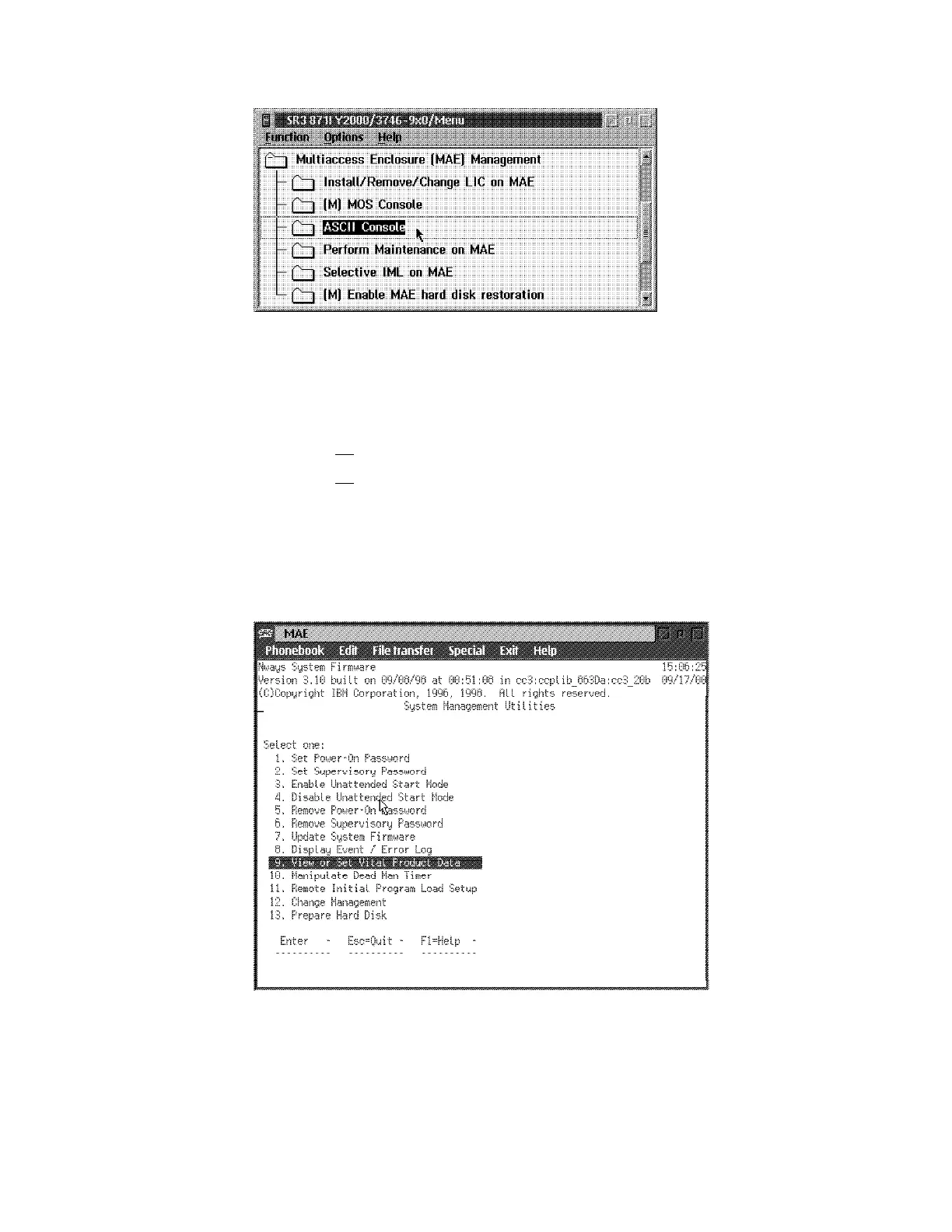
e On the System Management Utilities window, select 9 - View or Set
Vital Product Data, then press Enter.
Figure 4-4. MAE
f From View or Set Vital Product Data window, select Hardware Vital
Product Data, then press Enter.
4-12 3746-9X0: MAE Installation and Maintenance


 To Next Page
 Loading...







