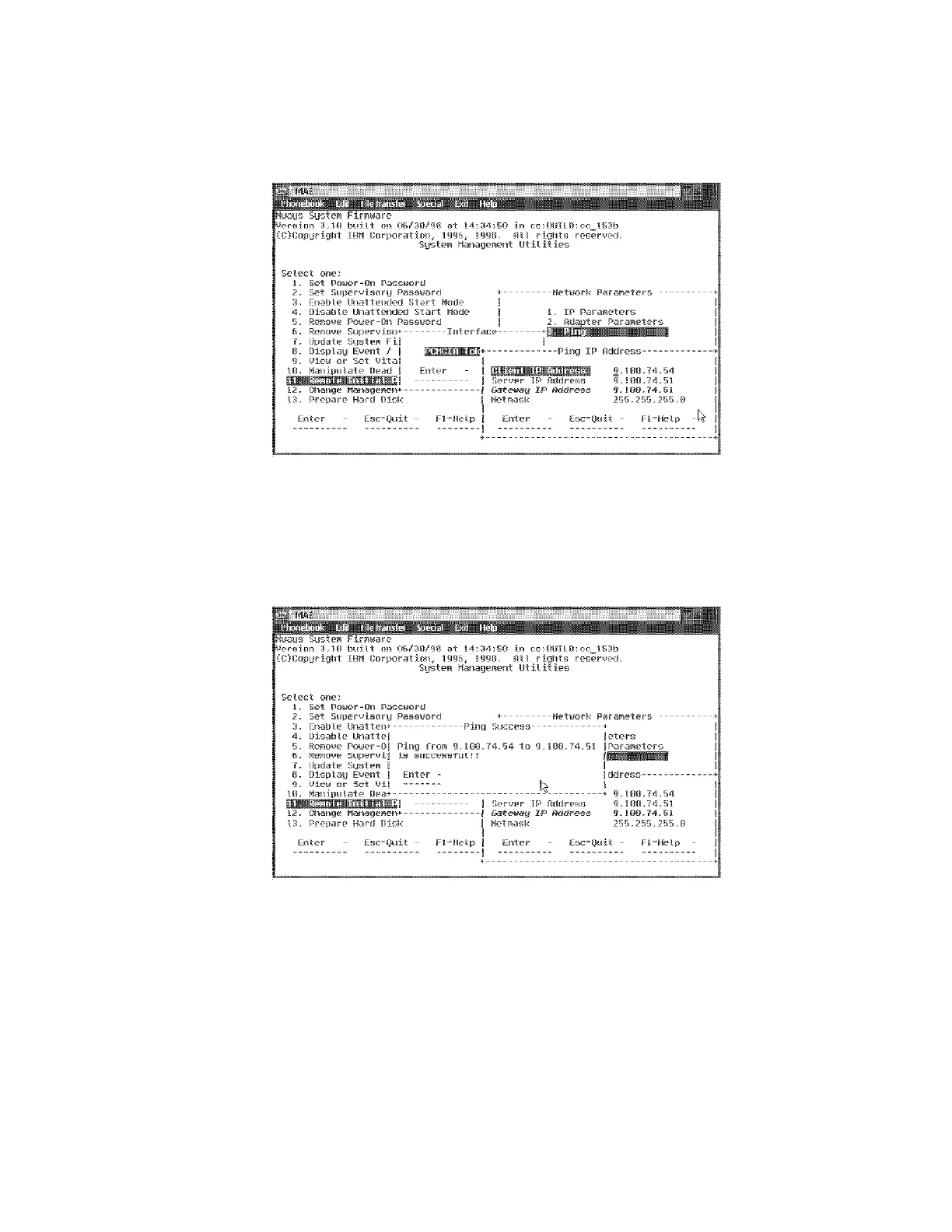
e On the Ping IP Address press Enter
f Wait for the test result. Verify that the ping is successful.
If not:
Go to Step 8b on page 4-15 and check or modify the addresses.
Check the speed (16 Mbps) using the Adapter Parameters option
in the Network Parameters window.
Check the cables
Otherwise continue with the next Step.
gPress Enter.
Chapter 4. Multiaccess Enclosure FRU Exchange 4-17


 To Next Page
 Loading...







