b Click on the Network Node Processor (NNP) Management option.
c Double click on the CCM Controller Configuration and Management
option.
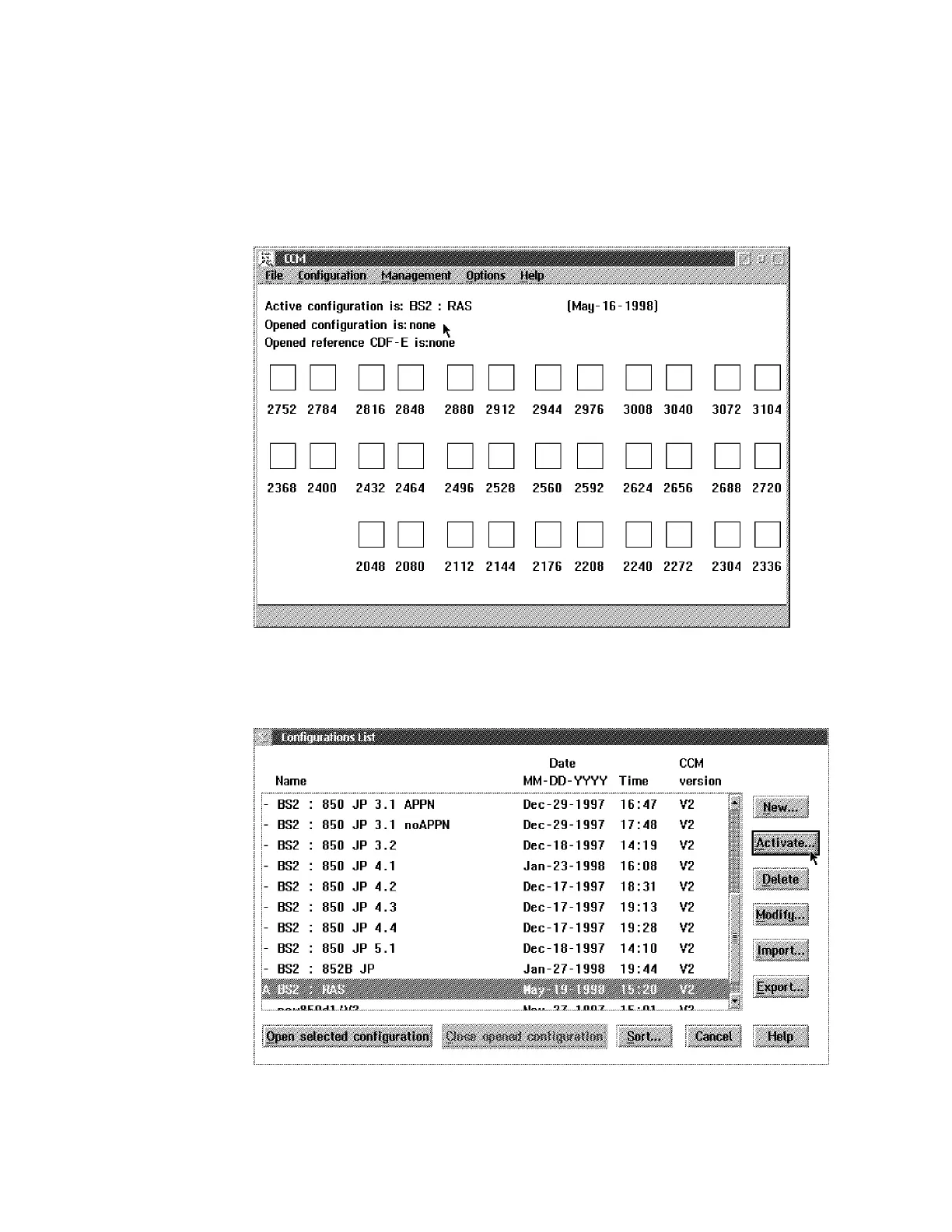
d The CCM window is displayed:
e Click on File in the title bar, then select Open. The Configuration List
window is displayed:
f Select the name of the configuration that you want activate, then click
on Activate.
4-22 3746-9X0: MAE Installation and Maintenance


 To Next Page
 Loading...







