9 If your are replacing the system card return to “Exchanging the System
Card” on page 4-5 Step 5b on page 4-10 .
10 Install the system card. Make sure the card is aligned with the plastic
grooves and then slide it in until it is flush with the box. Hold the locking
latches so that they are perpendicular to the face of the system card. With the
card in full contact with the rear of the Multiaccess Enclosure, press the
locking latches into the system card.
11 Tighten the thumbscrews on the face of the adapter card clockwise.
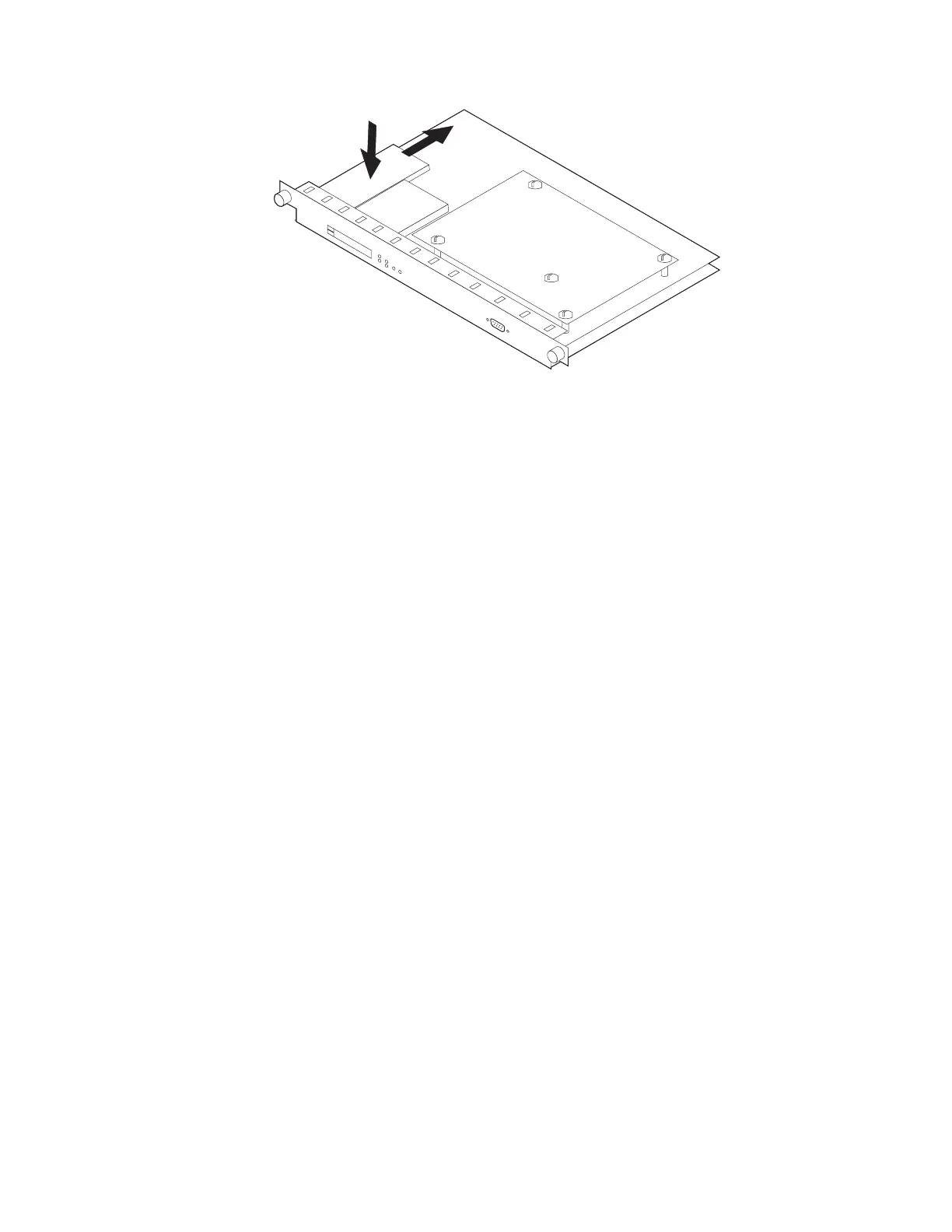
12 Plug the PCMCIA token-ring from the defective system card to the new
system card.
13 Plug the cables into the system card.
14 Record the MAE IP Address
a Double click on the Service Processor icon.
b Click on Configuration Management, then double click on SP
customization.
c Check Service LAN addresses, then click on Next>>.
Chapter 4. Multiaccess Enclosure FRU Exchange 4-27


 To Next Page
 Loading...







