Exchanging the Memory on the System Card
The multiaccess enclosure comes with a minimum of 64 MB (one dual inline
memory module [DIMM]). There are slots for two DIMMs on the system card.
This procedure can be used for removing faulty DIMM modules or to install memory
upgrades to your multiaccess enclosure.
1 Switch OFF each power supply.
2 Label the cables on the system card. Unplug the cables and the PCMCIA
card.
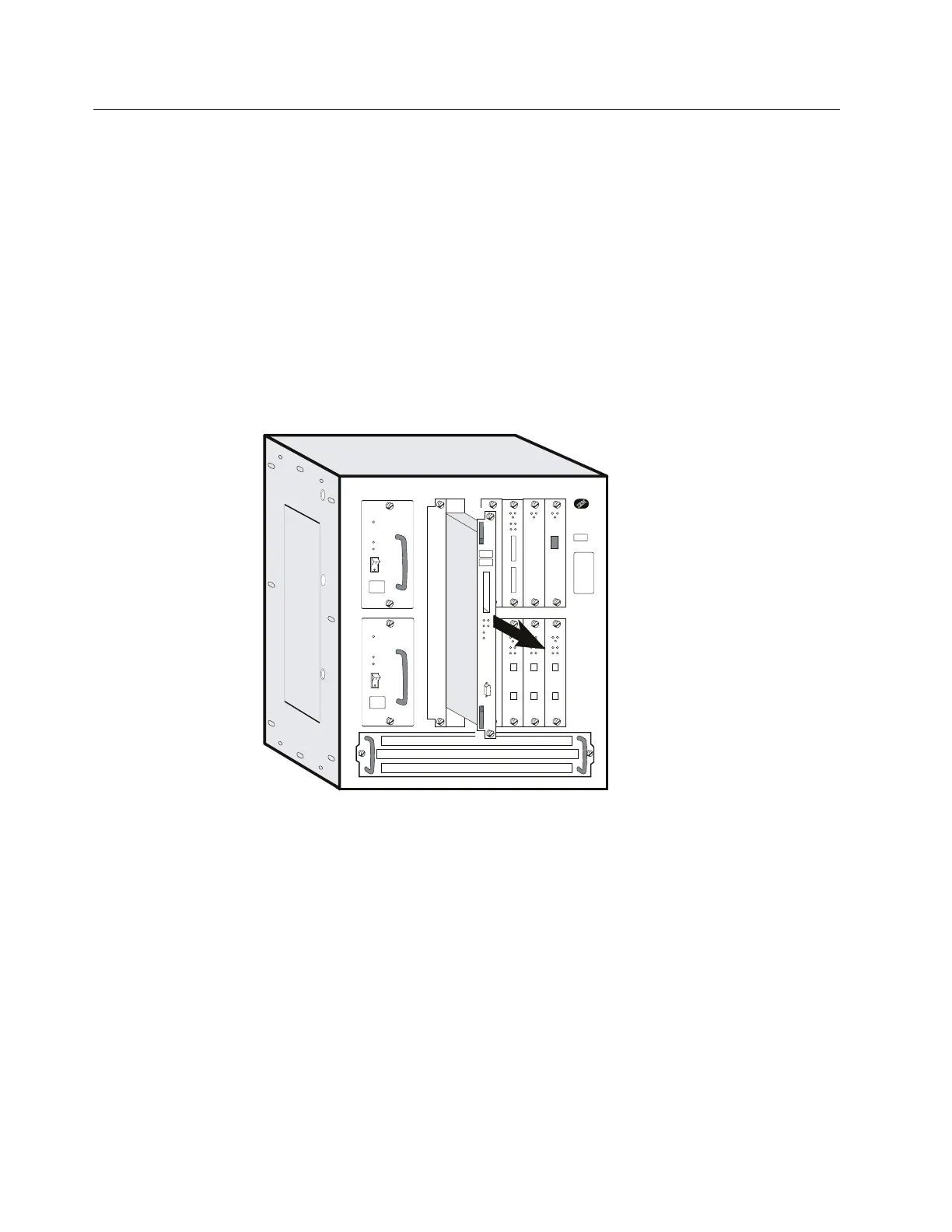
3 Loosen thumbscrews on the system card.
4 Remove the system card and lay it on a soft non-conductive surface.
5 Identify the faulty memory module. See the following for socket designations.
6 Remove the DIMMs by pulling down the lever at the edge of the DIMM
socket. (Use your thumbnail or a small non-metallic device to gently move
the spring latch away from the end of the DIMM.) The DIMM will
automatically be pushed partially out of the slot.
4-32 3746-9X0: MAE Installation and Maintenance


 To Next Page
 Loading...







