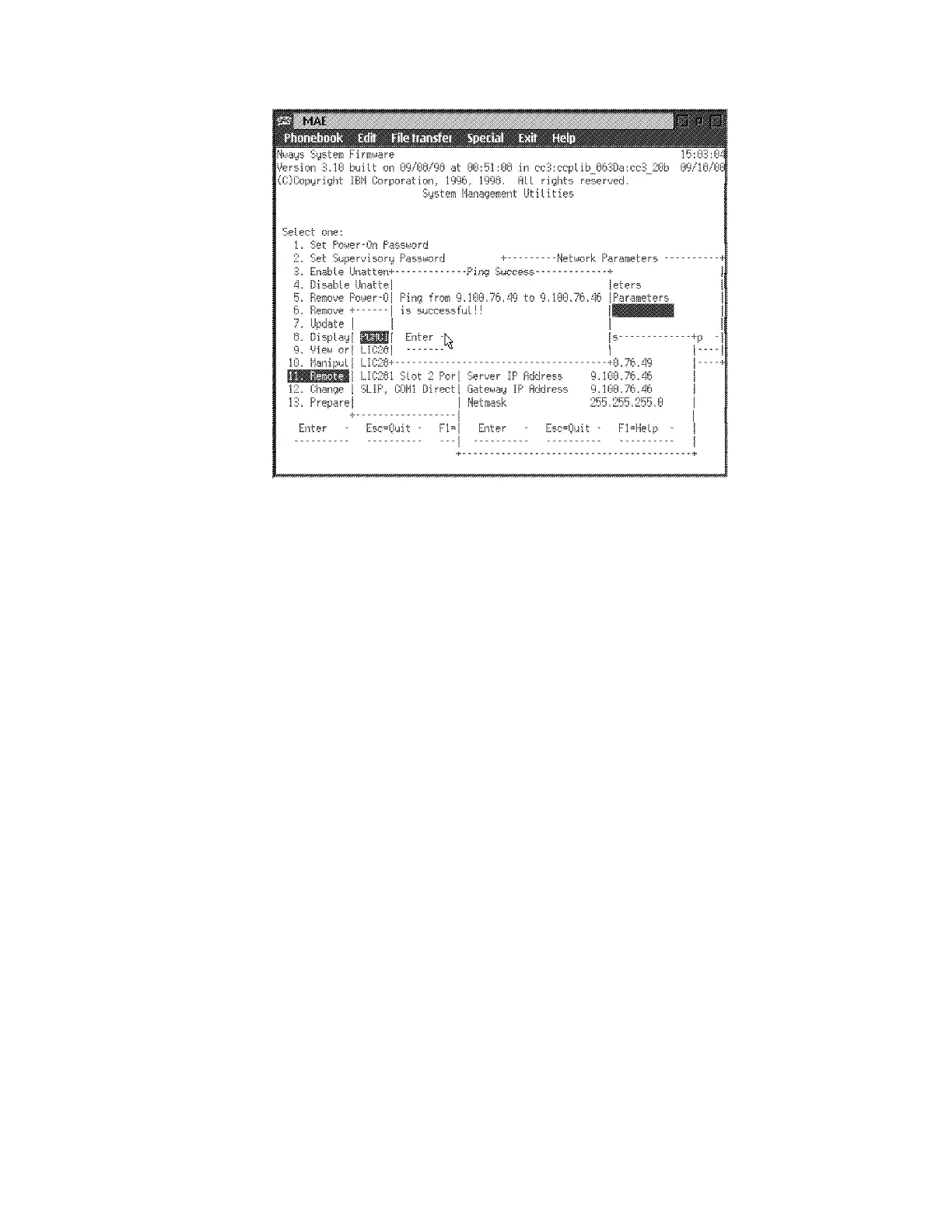
5 Is the test successfully?
Yes Continue with Step 6 .
No Call your support.
6 Press Enter, then Esc to quit the different windows to return to the System
Management Services window, press PF3 to reboot.
7 Follow the prompts until the following message is displayed: "Please press
the space bar to obtain the console".
8 Press the Space bar, "Console Granted to this interface" is displayed.
9 Close the MAE window.
10 You are now on the 3746-9x0/MultiAccess Enclosure (MAE) Management.
11 Notify the network administrator that you are finished repairing the
Multiaccess Enclosure.
12 Go to “CE Leaving Procedure” on page 5-60.
Chapter 4. Multiaccess Enclosure FRU Exchange 4-39


 To Next Page
 Loading...







