Exchanging the Fan Tray
Attention: The fan tray is not hot pluggable on multiaccess enclosure that have a
first-generation system card (PN 85H7916 or 30L5820). You must shut down the
multiaccess enclosure completely before replacing the fan tray. If the fan tray is
removed, or if two or more fans fail, the box may shut down.
The fan tray is hot pluggable on multiaccess enclosure that do not have a
first-generation system card (PN 85H7916 or 30L5820): however, you must install
the new tray within 3 minutes of removing the defective tray to prevent overheating
the multiaccess enclosure.
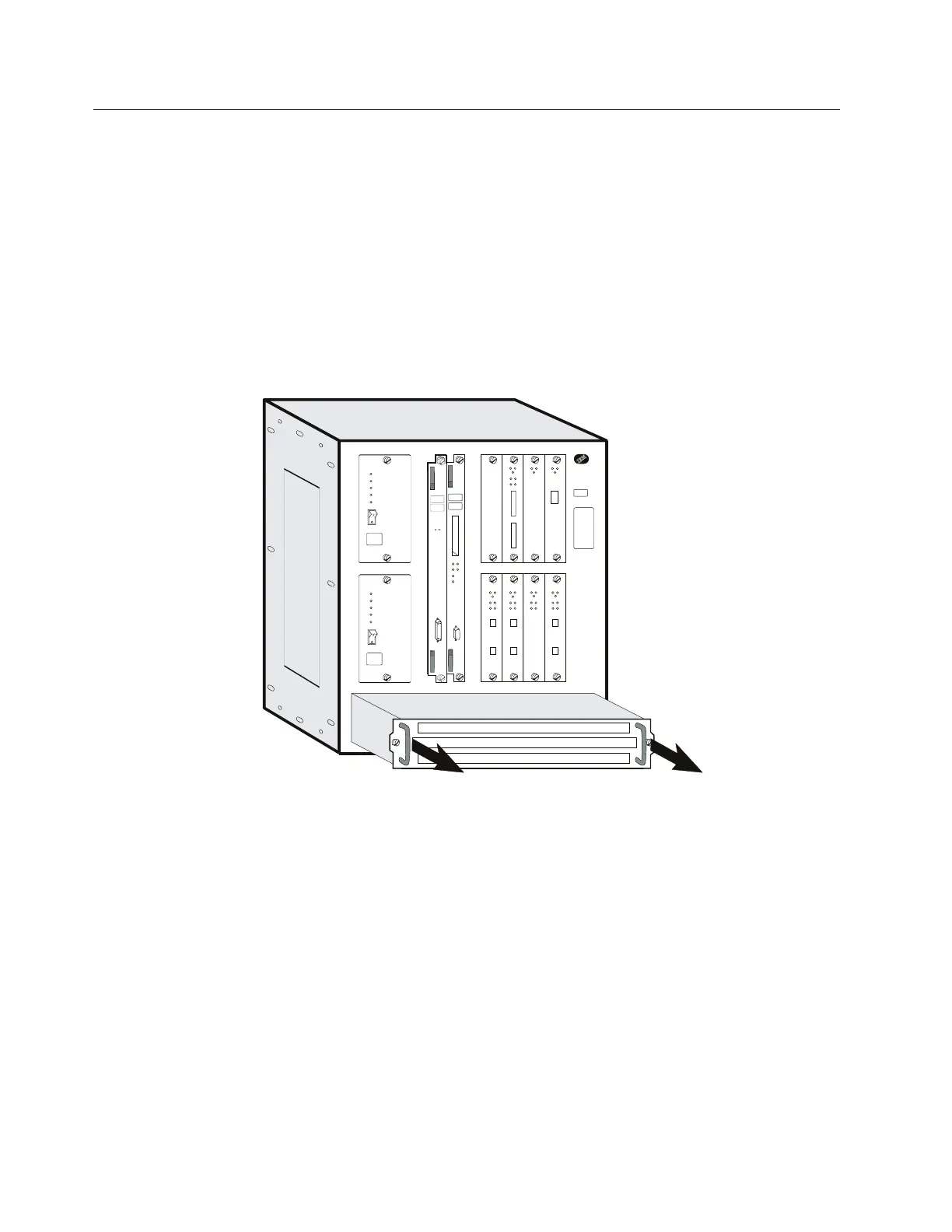
1 Loosen the two thumbscrews that secure the fan tray and remove the fan
tray.
2 Slide the new fan tray in until the tabs on the back of the fan tray are in the
slots. This aligns the connectors with the plugs.
3 When the fan tray is flush with the box, tighten the two thumbscrews.
4-40 3746-9X0: MAE Installation and Maintenance


 To Next Page
 Loading...







