5 Loosen the screws on the adapter.
6 Remove the adapter from its location.
If you are replacing LIC 297 or 298 (4-port ISDN PRI/Channelized adapter),
remove the daughter cards from the old adapter and put them onto the new
adapter (see “Exchanging the ISDN Daughter Card” on page 4-46).
OK
Wrong
Slot
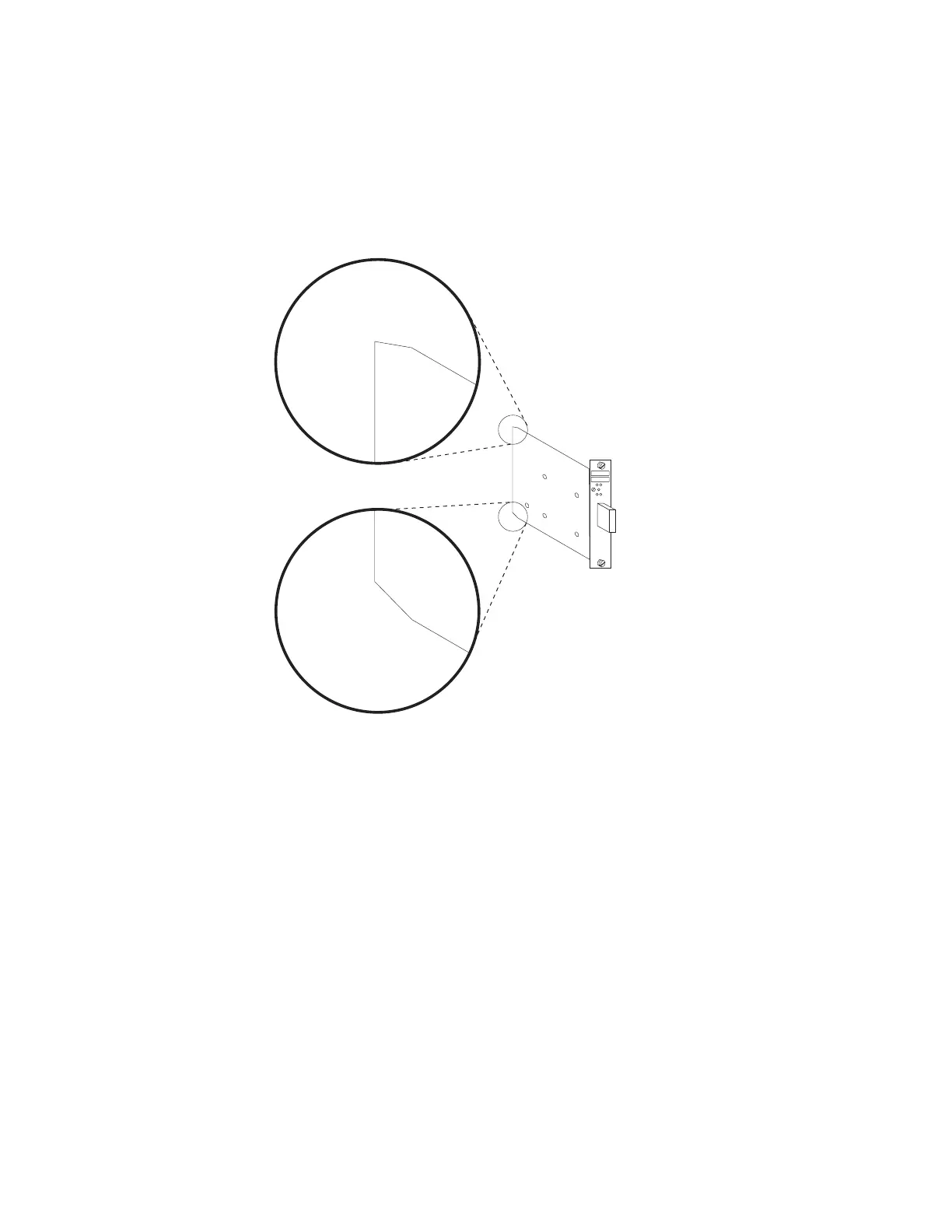
7 Install the new adapter. Notice the notches at the adapter card's angled
corners and position them on the left as illustrated.
Chapter 4. Multiaccess Enclosure FRU Exchange 4-43


 To Next Page
 Loading...







