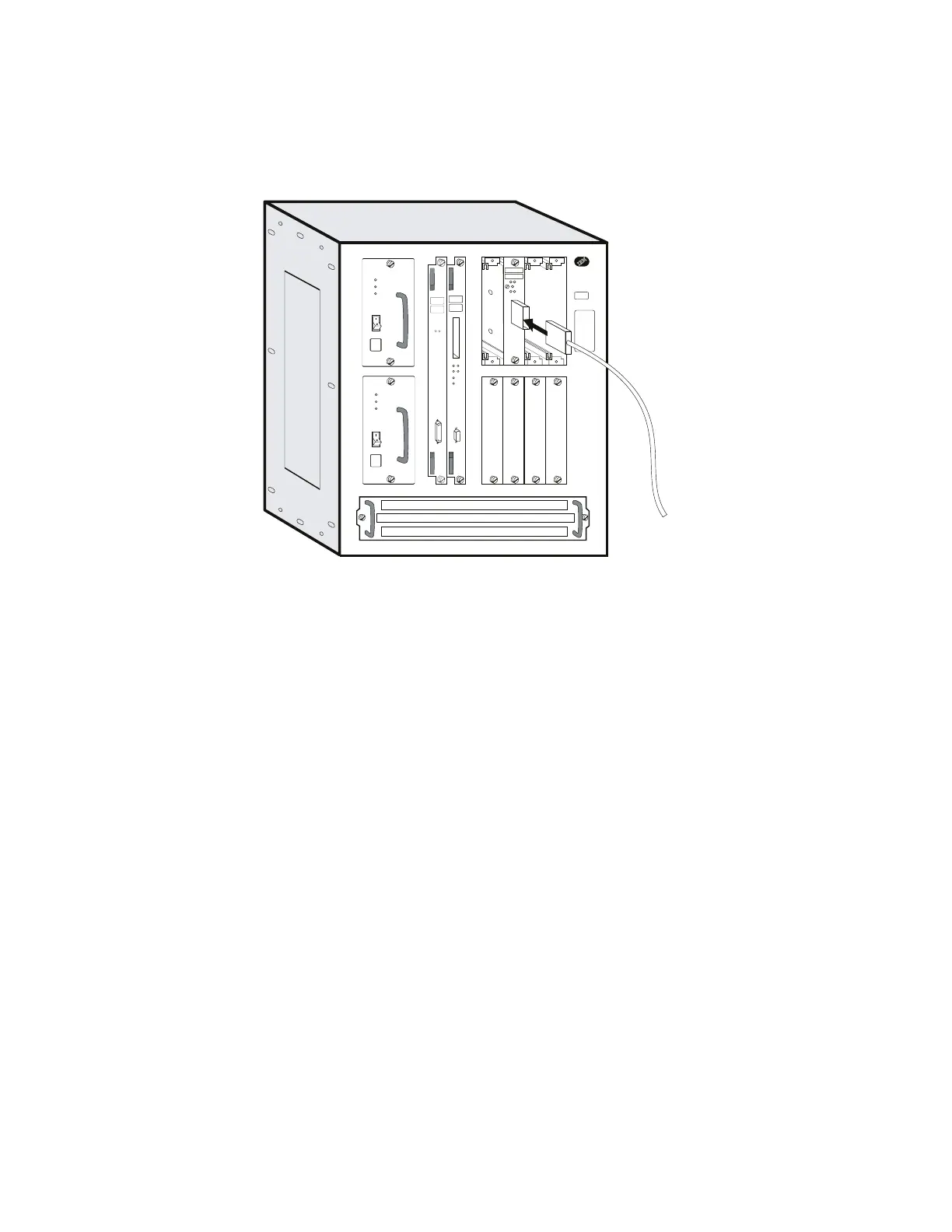
11 Connect the ESCON fiber optic cable to the adapter by inserting the
connector into the adapter until a snap is heard.
Note: The connector is keyed to prevent inserting it incorrectly.
Y
Y
Y
Y
OK
Wrong
Slot
12 Power ON the Multiaccess Enclosure.
13 Check that the green LED of the adapter comes ON and that the Wrong Slot
LED is OFF.
If not, check the adapter installation.
If the problem persists call the Network Support Center.
Otherwise, notify the network administrator that you are finished repairing
the Multiaccess Enclosure.
Go to “CE Leaving Procedure” on page 5-60.
4-50 3746-9X0: MAE Installation and Maintenance


 To Next Page
 Loading...







