Exchanging the Backplane
This procedure requires two people.
1 Switch OFF each power supply.
2 Unplug the power cord from the power receptacle.
3 Label the cables with the adapters and ports they plug into. Unplug all the
cables.
4 The unit is too heavy fully populated.
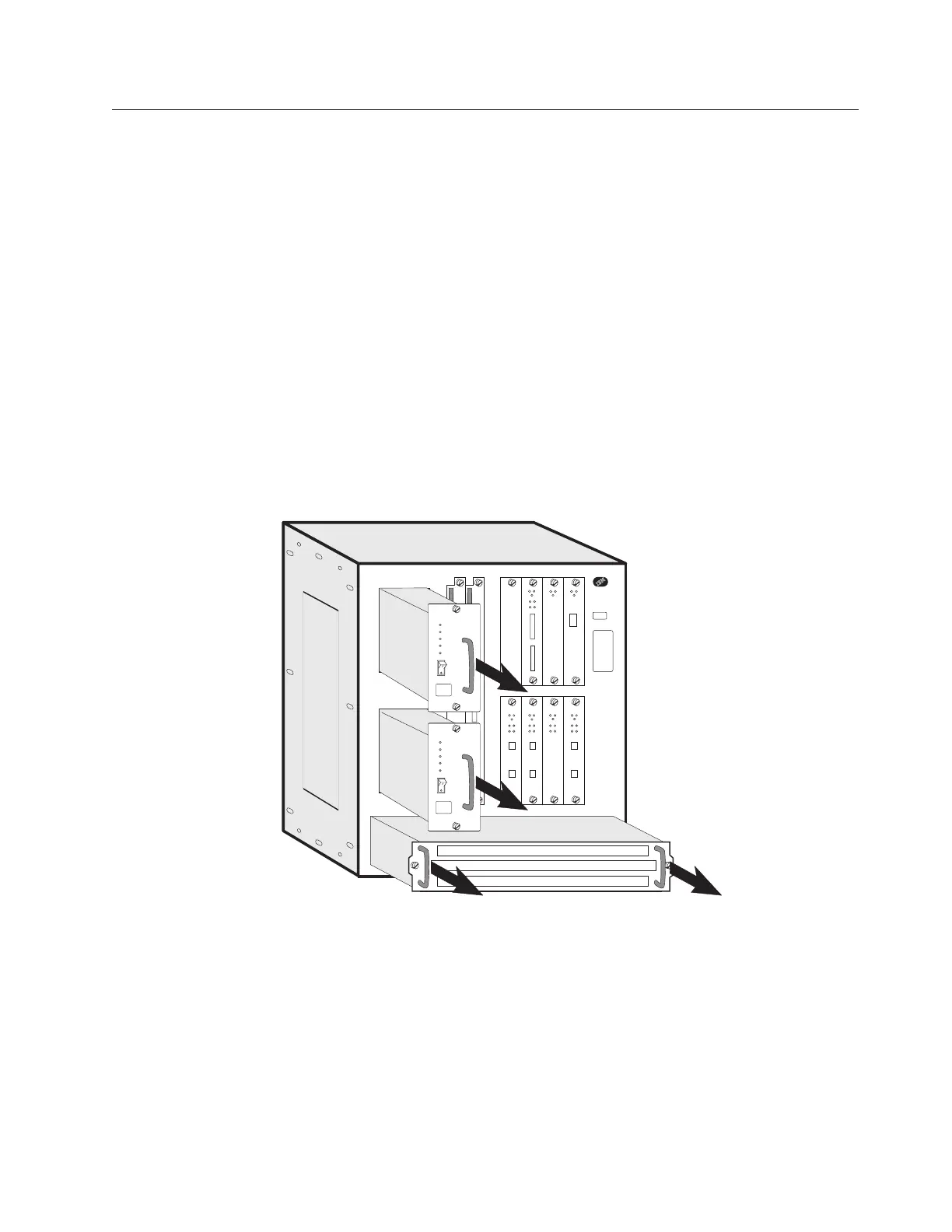
5Remove the:
Power supplies (Loosen the screws on each component and pull the
handle)
System card (see “Exchanging the System Card” on page 4-5)
SAC (see “Exchanging the SAC” on page 4-24)
Adapters (see “Exchanging an Adapter” on page 4-42)
Fan tray (see “Exchanging the Fan Tray” on page 4-40).
6 At the rear of the rack remove the screws .2/ which maintain the multiaccess
enclosure.
Chapter 4. Multiaccess Enclosure FRU Exchange 4-51


 To Next Page
 Loading...







