1
1
3
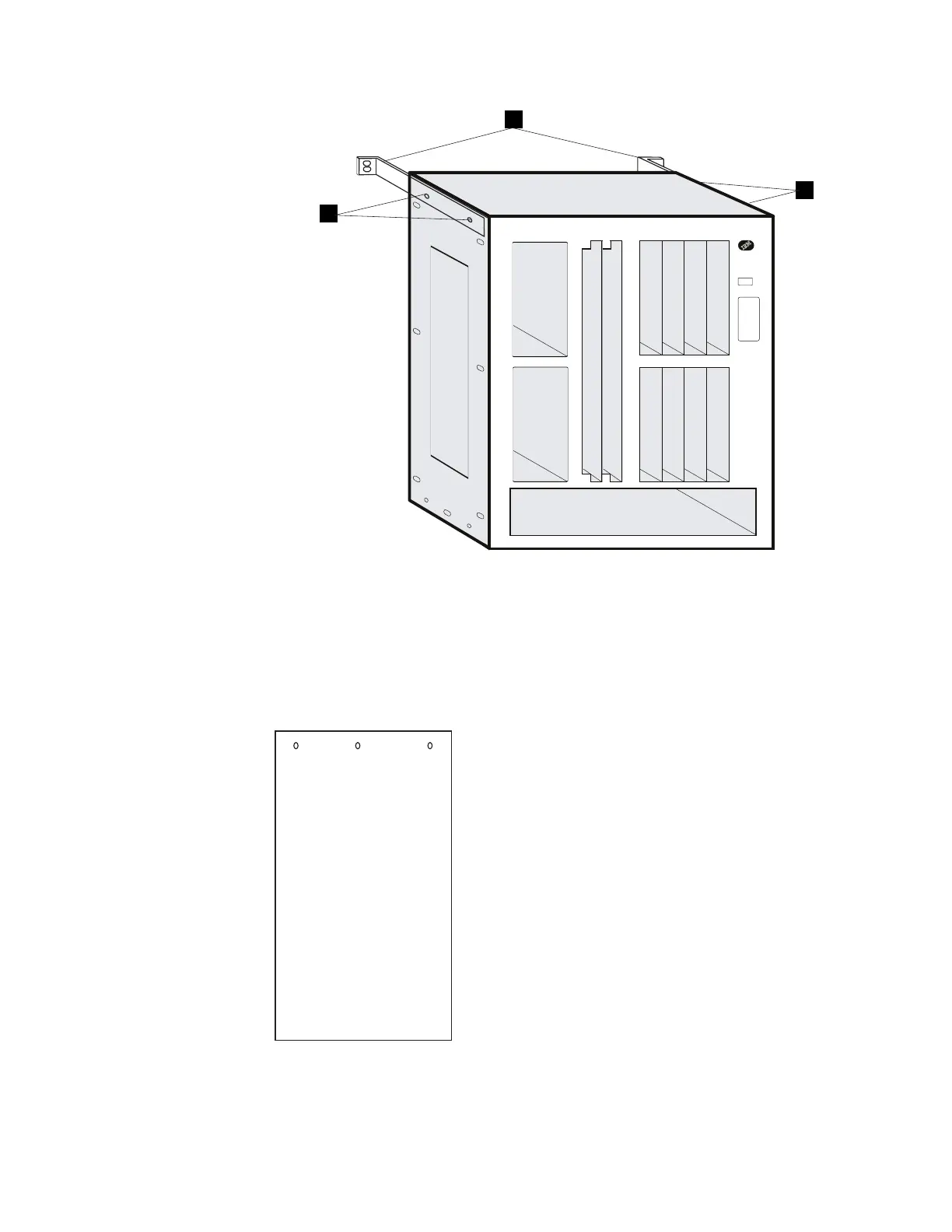
a Remove the
bottom
left and right screws on each side first. Do not
remove the middle screws. They hold the top and bottom panels in
place.
b While holding the side panel and the bracket .3/, remove the
top
left
and right screws .1/.
Side Panel
9 Remove the top panel. To do this, go to the rear of the Multiaccess
Enclosure. Lift the top panel, and then slide the panel toward you.
Chapter 4. Multiaccess Enclosure FRU Exchange 4-53


 To Next Page
 Loading...







