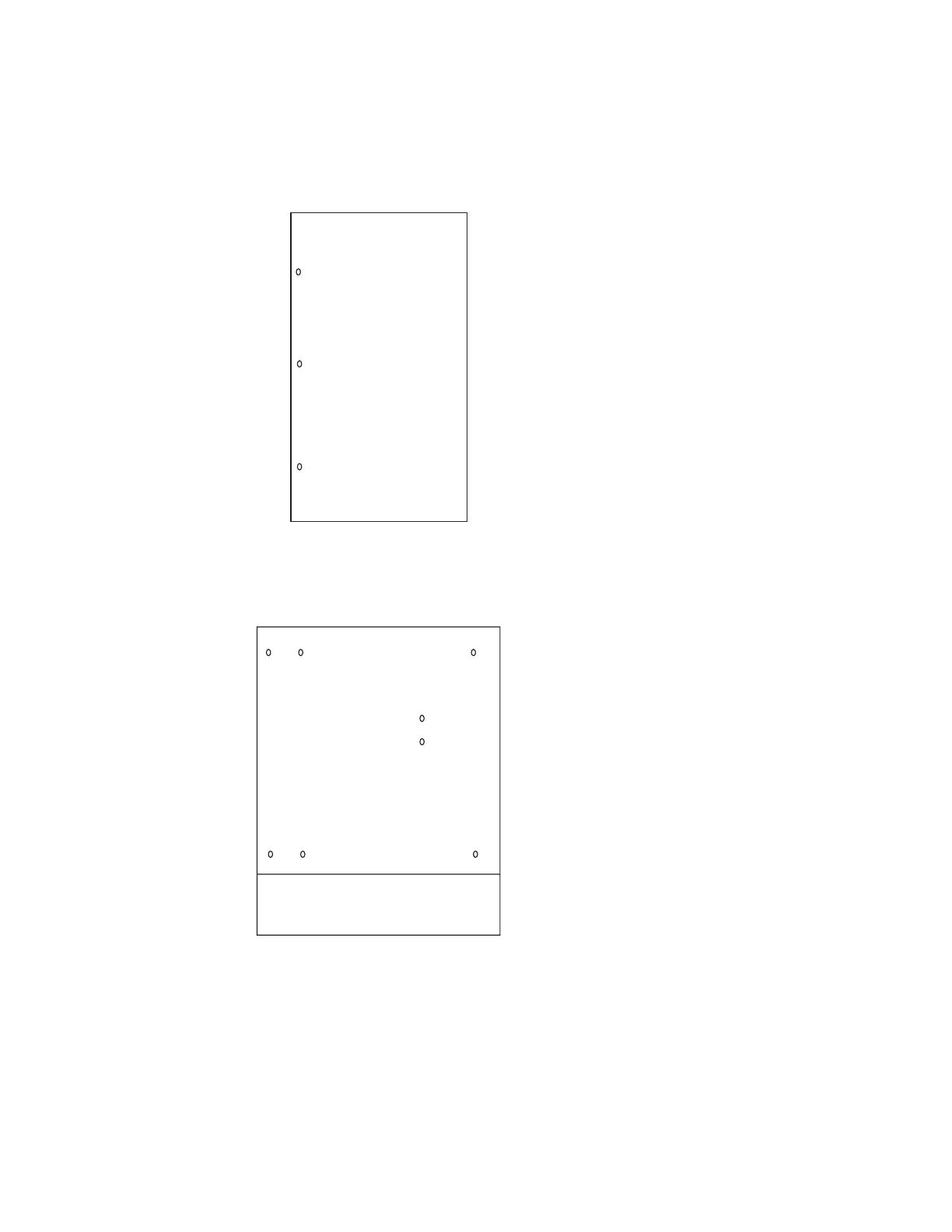
10 On each side of the Multiaccess Enclosure, remove the three screws along
the rear of the side panels of the Multiaccess Enclosure that hold the
backplane in place.
Top
Rear
11 Remove the eight nuts and star washers located on the inside of the
Multiaccess Enclosure.
Fan Tray Area
Relative locations
of the nuts viewed
from the front of the
box
12 Hold the backplane by the finger holes and lift it straight out of the
Multiaccess Enclosure.
4-54 3746-9X0: MAE Installation and Maintenance


 To Next Page
 Loading...







