13 Hold the new backplane by the finger holes and lower it gently into the
Multiaccess Enclosure.
14 Align the screw holes on the backplane with those on the sides of the box.
15 Loosely install the top two screws on each side of the Multiaccess Enclosure.
16 Reach inside the Multiaccess Enclosure, grasp the bottom middle of the
backplane's plastic shield, and press it up and toward you until all the
bulkhead screws protrude through the chassis.
17 Loosely insert the remaining screws on each side.
18 Install and tighten the eight nuts and star washers inside the Multiaccess
Enclosure that secure the backplane to the system.
19 Tighten the screws along the side of the box that hold the backplane in place.
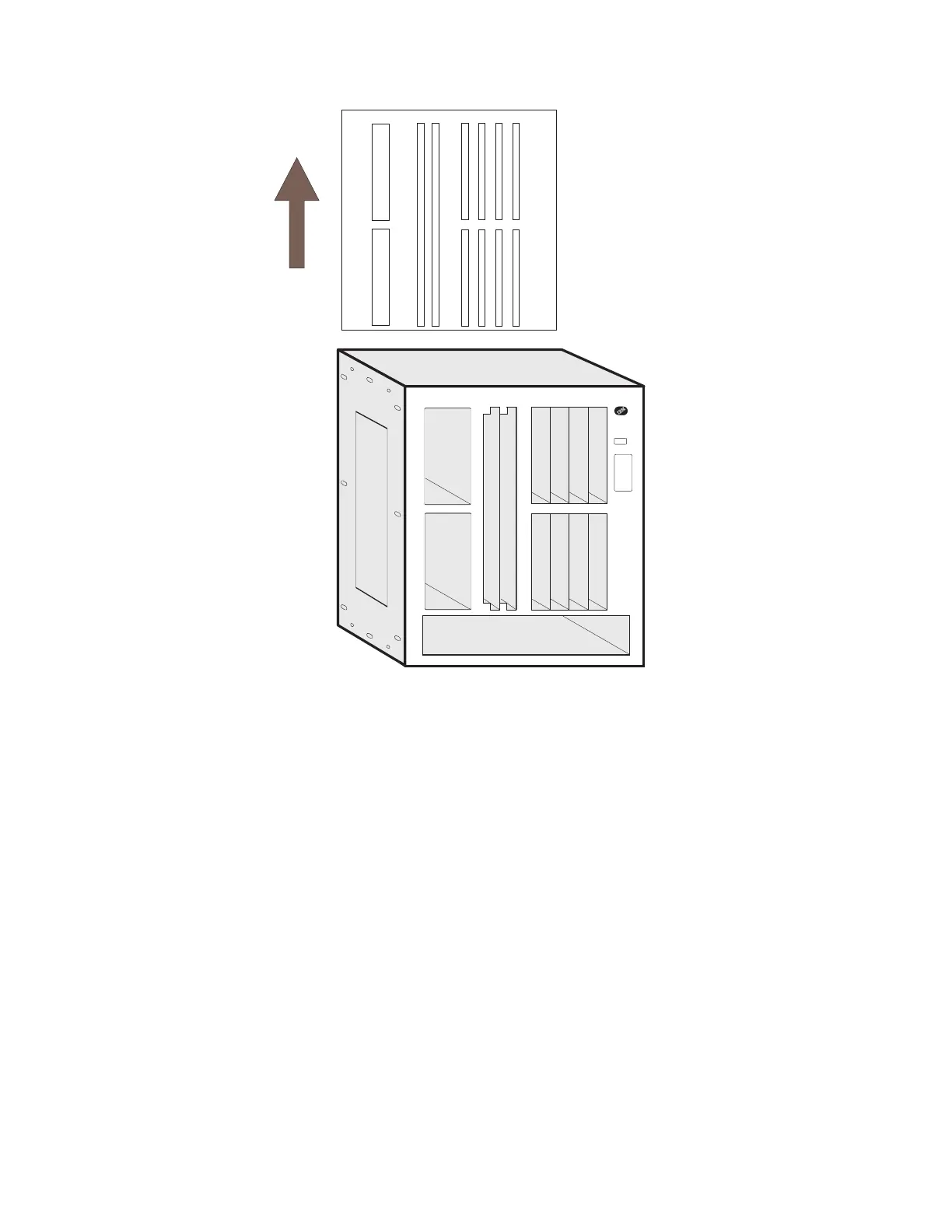
20 Replace the top of the unit.
a Align the five tabs on the top panel with the slots on the top front of the
Multiaccess Enclosure.
Chapter 4. Multiaccess Enclosure FRU Exchange 4-55


 To Next Page
 Loading...







